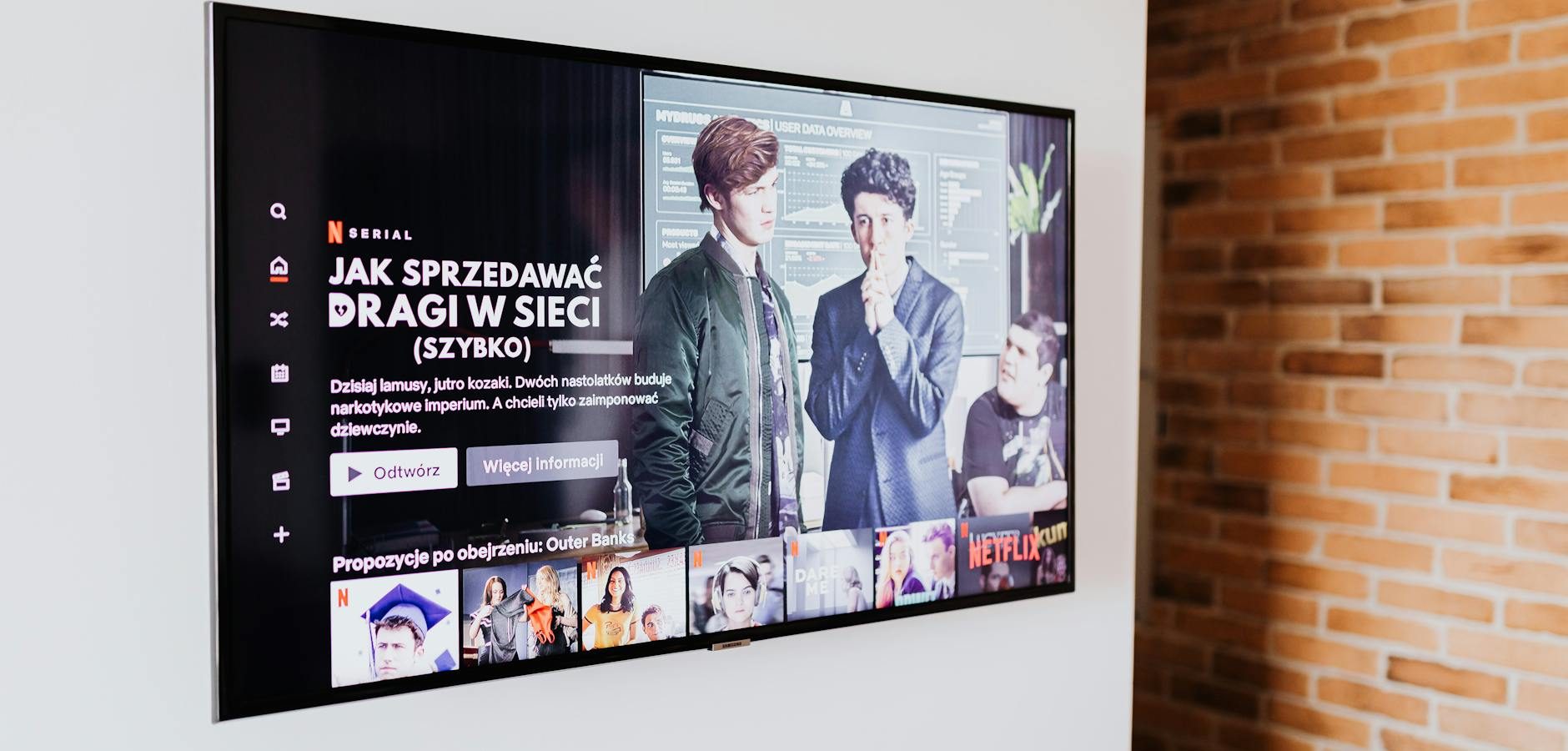
How to Fix WiFi Issues on Your Fire TV
Experiencing WiFi problems on your Fire TV can be frustrating, especially when you’re trying to enjoy your favorite shows or movies. In this guide, we’ll explore common WiFi issues and provide you with practical solutions to get your Fire TV back online.
Understanding Fire TV WiFi Connectivity
WiFi connectivity is crucial for streaming content seamlessly on your Fire TV. Issues can arise from various factors, including router placement, network congestion, or firmware glitches. Let’s dive into the details.
Common Causes of WiFi Issues
Several factors can affect the WiFi performance of your Fire TV:
- Router Placement: Signal interference from walls or electronic devices can weaken your WiFi connection.
- Network Congestion: Too many devices connected to the network can reduce bandwidth availability.
- Firmware Problems: Outdated software can lead to connectivity issues.
Initial Troubleshooting Steps
Before diving into complex solutions, try these basic troubleshooting steps:
- Restart your Fire TV and router to refresh the connection.
- Ensure your Fire TV is within range of your WiFi router.
- Check for any interference from other devices.
Advanced Solutions for Fire TV WiFi Problems
If basic troubleshooting doesn’t resolve the issue, consider these advanced solutions:
Updating Fire TV Software
Ensure your Fire TV is running the latest software version:
- Go to Settings on your Fire TV.
- Select My Fire TV and then About.
- Choose Check for Updates and install any pending updates.
Optimizing Router Settings
Adjust your router settings for optimal performance:
- Switch to a less congested WiFi channel.
- Enable QoS (Quality of Service) to prioritize streaming devices.
- Position your router in a central location to minimize interference.
Exploring Fire TV OS Features
Understanding the features of Fire TV OS can help enhance your streaming experience. For more details, check out our article on Fire TV OS design.
Using Free and Live TV Options
The Fire TV Stick 4K offers a range of free and live TV options. Learn more about these features in our comprehensive guide on Amazon Fire TV Stick 4K.
Addressing Specific App Issues on Fire TV
Sometimes, specific apps like Xumo Play can cause connectivity issues. If you’re facing such problems, our guide on troubleshooting Xumo Play issues can be helpful.
Reinstalling Problematic Apps
If a specific app is causing trouble, try uninstalling and reinstalling it:
- Navigate to Settings > Applications > Manage Installed Applications.
- Select the app and choose Uninstall.
- Re-download the app from the App Store.
Frequently Asked Questions
- Why is my Fire TV not connecting to WiFi? Try restarting your router and Fire TV, and ensure they are within range.
- How do I reset my Fire TV network settings? Go to Settings > My Fire TV > Reset to Factory Defaults, but note that this will erase all data.
- Can a VPN affect my Fire TV’s WiFi performance? Yes, VPNs can reduce speed due to encryption overhead.
- Does the Fire TV Stick work with all routers? Most modern routers are compatible with Fire TV, but dual-band routers are recommended.
- How to fix buffering issues on Fire TV? Reduce network congestion and update your Fire TV software regularly.
Conclusion
WiFi issues on your Fire TV can disrupt your streaming experience, but with the right troubleshooting steps, you can resolve these problems effectively. For more insights on streaming and IPTV, check out our Complete IPTV Guide. If you continue to experience issues, consider consulting your ISP for further assistance.
Frequently Asked Questions
Why is my Fire TV not connecting to WiFi?
Try restarting your router and Fire TV, and ensure they are within range.
How do I reset my Fire TV network settings?
Go to Settings > My Fire TV > Reset to Factory Defaults, but note that this will erase all data.
Can a VPN affect my Fire TV’s WiFi performance?
Yes, VPNs can reduce speed due to encryption overhead.
Does the Fire TV Stick work with all routers?
Most modern routers are compatible with Fire TV, but dual-band routers are recommended.
How to fix buffering issues on Fire TV?
Reduce network congestion and update your Fire TV software regularly.