Introduction to Amazon Fire TV Stick 4K Select
The Amazon Fire TV Stick 4K Select promises an enriched streaming experience with its “Free and Live TV” feature. But what does this really mean for users? Is it truly free, or are there hidden costs? Let’s delve into the details to help you make an informed decision.
What is “Free and Live TV” on Amazon Fire?
Amazon’s “Free and Live TV” offers a selection of channels and content without a subscription fee. But are all channels truly free?
Understanding the “Free” Component
While many channels are free, some may require a subscription or one-time purchase. According to TechRadar, certain apps on Amazon Fire provide ad-supported content, which is genuinely free.
Exploring the “Live TV” Aspect
“Live TV” on Amazon Fire includes live broadcasts from channels like ABC News and Pluto TV. However, premium channels may necessitate subscriptions.
Setting Up Your Amazon Fire TV for Optimal Use
To fully enjoy “Free and Live TV,” proper setup is crucial. Here’s a step-by-step guide.
Connecting Your Device
Plug your Fire Stick into an HDMI port on your TV and connect the power adapter. For more details, visit our complete guide on powering your Amazon Fire Stick.
Navigating the Interface
Use the remote to access the main menu. Navigate to “Live” or “Free” sections to explore available content.
Legal Considerations and Streaming Options
Ensuring your streaming activities are legal is important for peace of mind. Explore legitimate IPTV services and avoid illegal streams.
Legal Streaming Services on Amazon Fire
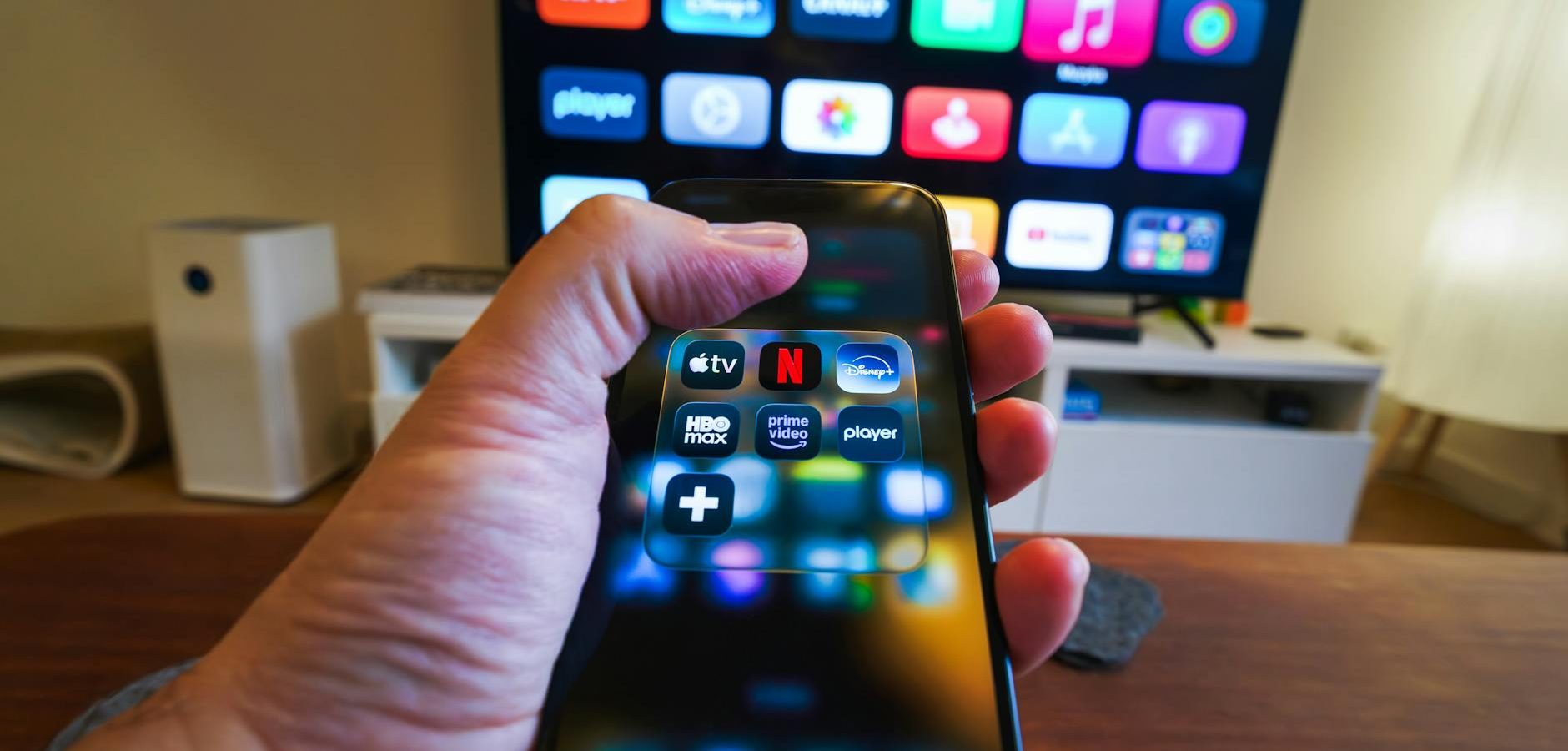
Services like Hulu, Netflix, and Amazon Prime Video offer legal streaming options. According to CNET, these platforms provide a wide range of content legally.
Avoiding Illegal Streams
For information on identifying and avoiding illegal streams, visit our IPTV guide.
Benefits of Amazon Fire TV Stick 4K Select
Why choose the Amazon Fire TV Stick 4K Select for your home entertainment?
Enhanced Streaming Quality
With 4K UHD, HDR, and Dolby Atmos support, this device offers superior picture and sound quality.
Access to a Wide Range of Apps
The Amazon Fire Stick supports numerous apps, enhancing your streaming library. For device recommendations, check out our 2023 guide to Amazon’s streaming devices.
Common Issues and Troubleshooting
Encountering issues with your Fire TV Stick? Here are some common problems and solutions.
Display Problems
If you experience display issues, consider consulting our article on resolving Amazon Fire TV 4K Max display issues.
Network Connectivity
Ensure your device is within range of your Wi-Fi network. Restarting your router may resolve connectivity issues.
Frequently Asked Questions
- Is the “Free and Live TV” feature truly free?
While many channels are free, some may require subscriptions or purchases. - How do I access “Free and Live TV” on my Fire Stick?
Navigate to the “Live” or “Free” sections from the main menu to explore available content. - What should I do if my Fire Stick isn’t working properly?
Try restarting the device or consult our troubleshooting guide for more solutions. - Which apps offer legal streaming on Fire TV?
Apps like Hulu, Netflix, and Amazon Prime Video provide legal streaming options. - Can I watch live sports on Amazon Fire TV Stick?
Yes, through apps like ESPN and other sports networks requiring subscriptions.
Conclusion
The Amazon Fire TV Stick 4K Select offers a promising “Free and Live TV” experience, but understanding its scope is key. By choosing legal services and following setup instructions, you can enjoy a seamless streaming experience. Ready to explore more about Amazon Fire devices? Dive into our 2023 guide on Amazon’s streaming devices today!
Frequently Asked Questions
Is the “Free and Live TV” feature truly free?
While many channels are free, some may require subscriptions or purchases.
How do I access “Free and Live TV” on my Fire Stick?
Navigate to the “Live” or “Free” sections from the main menu to explore available content.
What should I do if my Fire Stick isn’t working properly?
Try restarting the device or consult our troubleshooting guide for more solutions.
Which apps offer legal streaming on Fire TV?
Apps like Hulu, Netflix, and Amazon Prime Video provide legal streaming options.
Can I watch live sports on Amazon Fire TV Stick?
Yes, through apps like ESPN and other sports networks requiring subscriptions.