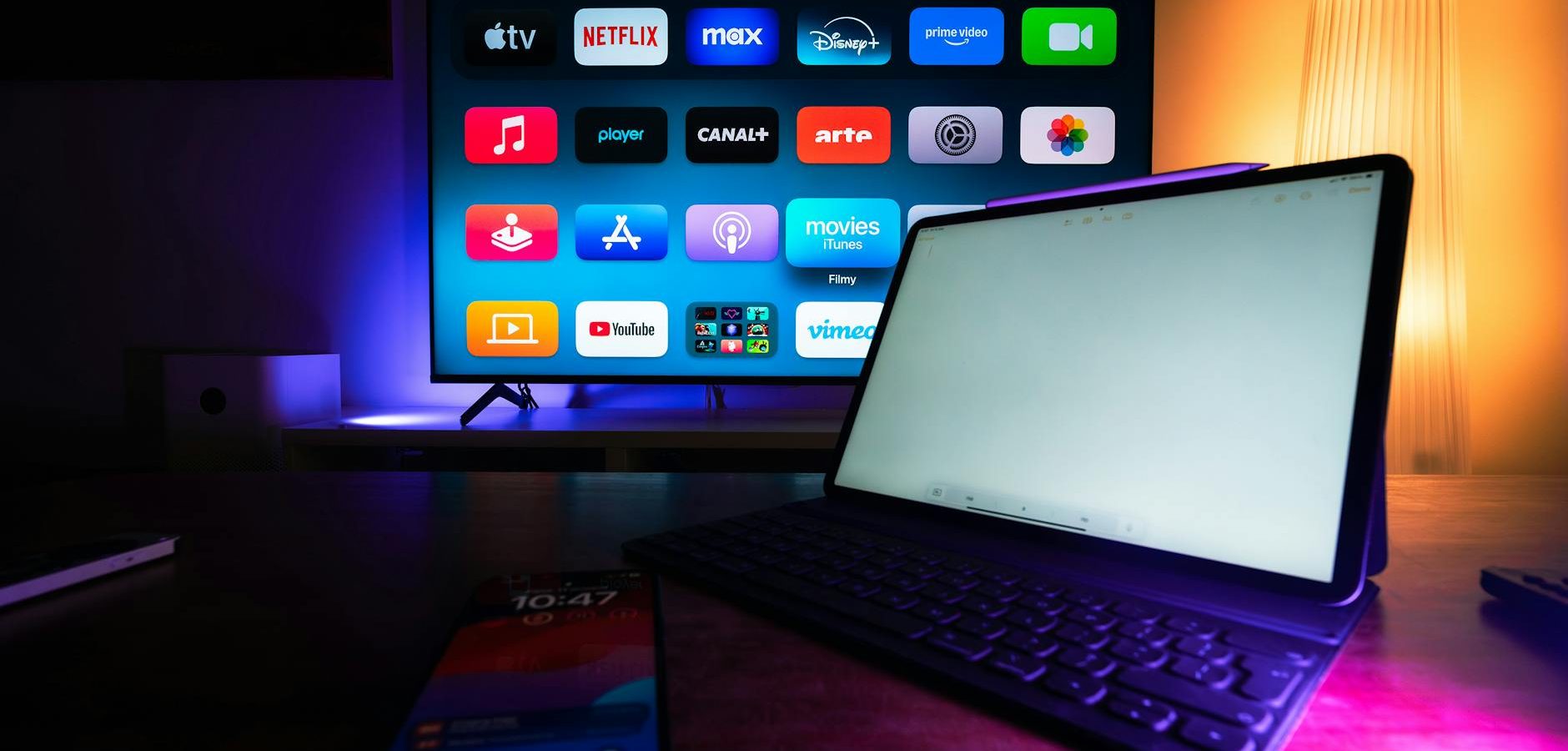
Introduction to Powering Your Amazon Fire Stick
The Amazon Fire Stick is a popular device for streaming content from platforms like Netflix, Hulu, and Prime Video. Ensuring it is powered correctly is crucial for optimal performance. In this guide, we will explore the best ways to power your Amazon Fire Stick and Roku, ensuring uninterrupted streaming and avoiding potential pitfalls.
Getting Started: Powering Your Amazon Fire Stick
To start streaming with your Amazon Fire Stick, it must be properly connected to a power source. Let’s delve into the essential steps.
Using the Official Power Adapter
The most reliable way to power your Amazon Fire Stick is by using the official power adapter provided in the box. This ensures the device receives the correct voltage and current, reducing the risk of damage.
Connecting to a USB Port
Alternatively, you can power your Fire Stick through a USB port on your TV. However, this method might not provide sufficient power, leading to performance issues. For more information on potential display issues, check out our guide on resolving Amazon Fire TV 4K Max display issues.
How to Power Your Roku Device
Like the Amazon Fire Stick, Roku devices require proper power setup for optimal operation.
Using the Included Power Adapter
Roku devices typically come with a power adapter, which is the recommended way to power the device. This ensures consistent performance without interruptions.
USB Power Options
Some Roku models allow USB power options, similar to the Fire Stick. If opting for this method, ensure your TV’s USB port provides enough power to avoid malfunctions.
Troubleshooting Power Issues
If you encounter issues with powering your Amazon Fire Stick or Roku, there are several troubleshooting steps you can take.
Check Power Source and Connections
Ensure that all cables are securely connected and the power source is functioning. A faulty outlet or loose connection can often be the culprit.
Device Reset
A simple reset can resolve many issues. Unplug the device, wait a few seconds, and plug it back in. For more specific troubleshooting steps, visit our troubleshooting guide for Firestick screen issues.
Optimizing Your Streaming Experience
Apart from proper power setup, there are additional ways to enhance your streaming experience with Amazon Fire Stick and Roku.
Choosing the Right IPTV Apps
For those interested in IPTV, selecting the right apps is essential. Our best IPTV apps for Firestick in 2026 guide provides top recommendations like TiviMate and Smarters Pro.
Streaming Local Channels
Access to local channels like ABC, NBC, and CBS can enhance your streaming lineup. Learn how in our complete guide to streaming local channels on Firestick.
Frequently Asked Questions
- Does my Amazon Fire Stick need to be plugged in all the time?Yes, your Fire Stick must be continuously powered to function. Disconnecting it from power will stop all operations.
- Can I use any USB port to power my Fire Stick?While possible, not all USB ports provide the necessary power. It’s best to use the official power adapter.
- How do I know if my Fire Stick is not receiving enough power?Signs include sluggish performance, frequent reboots, or error messages indicating power issues.
- Is it safe to leave my Fire Stick plugged in 24/7?Yes, it’s designed for continuous use. However, unplug during electrical storms to prevent damage.
- What should I do if my Roku won’t power on?Check all connections, try a different outlet, and ensure you’re using the correct power adapter.
Conclusion
Ensuring your Amazon Fire Stick and Roku are properly powered is essential for a seamless streaming experience. By following the steps outlined in this guide, you can enjoy uninterrupted entertainment. For those new to the world of IPTV and streaming, our complete IPTV guide offers further insights into maximizing your streaming setup. Happy streaming!
Frequently Asked Questions
Does my Amazon Fire Stick need to be plugged in all the time?
Yes, your Fire Stick must be continuously powered to function. Disconnecting it from power will stop all operations.
Can I use any USB port to power my Fire Stick?
While possible, not all USB ports provide the necessary power. It’s best to use the official power adapter.
How do I know if my Fire Stick is not receiving enough power?
Signs include sluggish performance, frequent reboots, or error messages indicating power issues.
Is it safe to leave my Fire Stick plugged in 24/7?
Yes, it’s designed for continuous use. However, unplug during electrical storms to prevent damage.
What should I do if my Roku won’t power on?
Check all connections, try a different outlet, and ensure you’re using the correct power adapter.