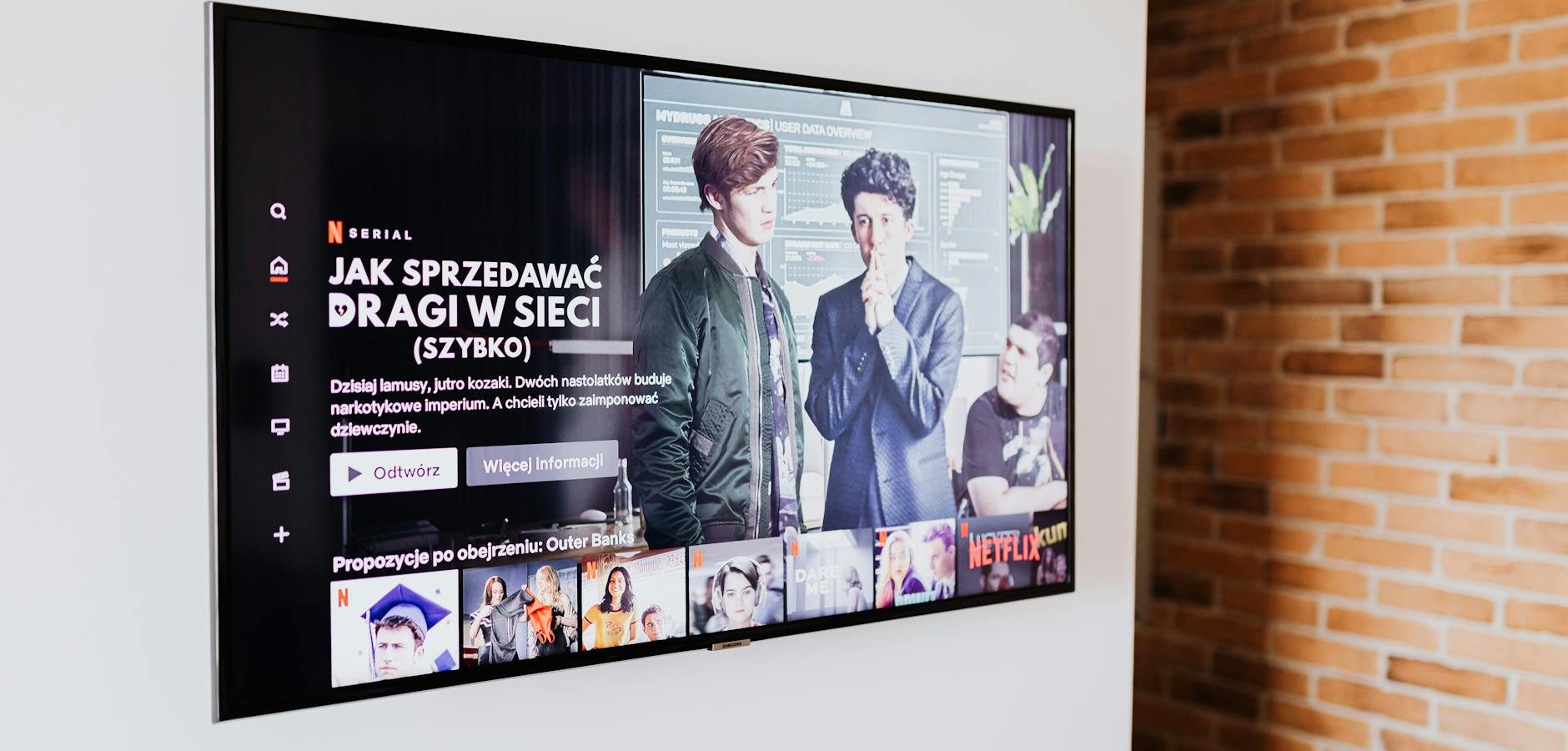
The Fire TV experience is about to change, but not necessarily for you. With the new Fire TV OS, Amazon seems to be prioritizing its business goals over user needs. In this article, we will delve into whether this update truly benefits the everyday user or if it’s primarily designed to serve Amazon’s larger strategy.
What is the New Fire TV OS?
The new Fire TV OS is Amazon’s latest operating system update for its range of streaming devices. This update promises a more integrated Amazon ecosystem and tighter control over content delivery. According to TechRadar, the update includes enhancements aimed at improving the user interface and incorporating more Alexa-driven features.
Features of the New Fire TV OS
While the new OS offers a sleeker interface, the primary changes center around integrating Amazon services more deeply. Users will notice an increased emphasis on Prime Video and Amazon’s other streaming channels.
Impact on User Experience
The shift raises questions about whether users will have more control or if the experience will be dominated by Amazon’s content offerings. If you’re looking for ways to maintain current settings, consider learning how to block Fire TV Stick 4K Plus updates easily.
Why Amazon Prioritizes Its Interests
Amazon’s focus with the new Fire TV OS appears to be on increasing content consumption within its ecosystem. As noted by CNET, this aligns with Amazon’s growing ambitions in the streaming market.
Monetization Strategies
By embedding more of its services into the OS, Amazon can boost engagement and monetize content more effectively. This strategy allows Amazon to promote its subscriptions and services directly to users.
Control Over User Data
The new OS also enhances Amazon’s ability to collect user data, which can be leveraged for personalized advertising and content recommendations.
How the New Fire TV OS Affects Streaming
For avid streamers, the changes might be a mixed bag. On one hand, the integration can simplify access to Amazon content. On the other hand, it may complicate using third-party apps or services. If you’re encountering issues, check out our guide on troubleshooting Xumo Play issues on Fire TV Stick.
Challenges with Third-Party Apps
Some users report difficulties in accessing non-Amazon services. This could limit your ability to fully customize your streaming experience.
Enhancing Your Streaming Setup
For those looking to optimize their setup, understanding how to handle issues like Amazon Fire TV 4K Max display issues can be crucial.
Practical Tips for Navigating the New Fire TV OS
Here are a few practical tips to make the most of the new Fire TV OS:
- Customize Your Home Screen: Organize apps and services to prioritize what you use most.
- Use Alexa Features: Leverage voice commands for quick searches and navigation.
- Manage Updates: Learn how to block Fire TV Stick 4K Plus updates if you prefer to delay changes.
Is the New Fire TV OS Right for You?
Ultimately, whether the new Fire TV OS is beneficial depends on how you use your device. If you primarily consume Amazon content, the update could streamline your experience. However, if you prefer a wider range of services, you might find the changes restrictive. For an in-depth understanding of IPTV options, check our Complete IPTV Guide 2026.
Frequently Asked Questions
What are the main features of the new Fire TV OS?
The main features include a more integrated Amazon ecosystem, enhanced Alexa voice command capabilities, and a user interface optimized for Amazon services.
How does the new Fire TV OS affect third-party streaming apps?
Some users may experience limitations with third-party apps as the OS is optimized for Amazon services. This could impact the use of non-Amazon content.
Can I revert to the old Fire TV OS?
Reverting to a previous OS version is typically not supported by Amazon. However, you can manage updates to delay changes.
Is it possible to block updates on Fire TV Stick?
Yes, you can block updates to maintain your current setup. Our guide on blocking Fire TV Stick updates provides detailed instructions.
Why does Amazon prioritize its ecosystem in the Fire TV OS?
Amazon aims to boost its content consumption and monetization by integrating its ecosystem more deeply within the OS.
Conclusion
The new Fire TV OS represents a strategic move by Amazon to enhance its ecosystem, which might not align with every user’s priorities. While it offers some benefits, it also comes with limitations for those who prefer a more open streaming experience. As you navigate these changes, stay informed and adapt your setup to suit your needs. For more insights on optimizing your streaming experience, explore our Complete IPTV Guide 2026.
Frequently Asked Questions
What are the main features of the new Fire TV OS?
The main features include a more integrated Amazon ecosystem, enhanced Alexa voice command capabilities, and a user interface optimized for Amazon services.
How does the new Fire TV OS affect third-party streaming apps?
Some users may experience limitations with third-party apps as the OS is optimized for Amazon services. This could impact the use of non-Amazon content.
Can I revert to the old Fire TV OS?
Reverting to a previous OS version is typically not supported by Amazon. However, you can manage updates to delay changes.
Is it possible to block updates on Fire TV Stick?
Yes, you can block updates to maintain your current setup. Our guide on blocking Fire TV Stick updates provides detailed instructions.
Why does Amazon prioritize its ecosystem in the Fire TV OS?
Amazon aims to boost its content consumption and monetization by integrating its ecosystem more deeply within the OS.