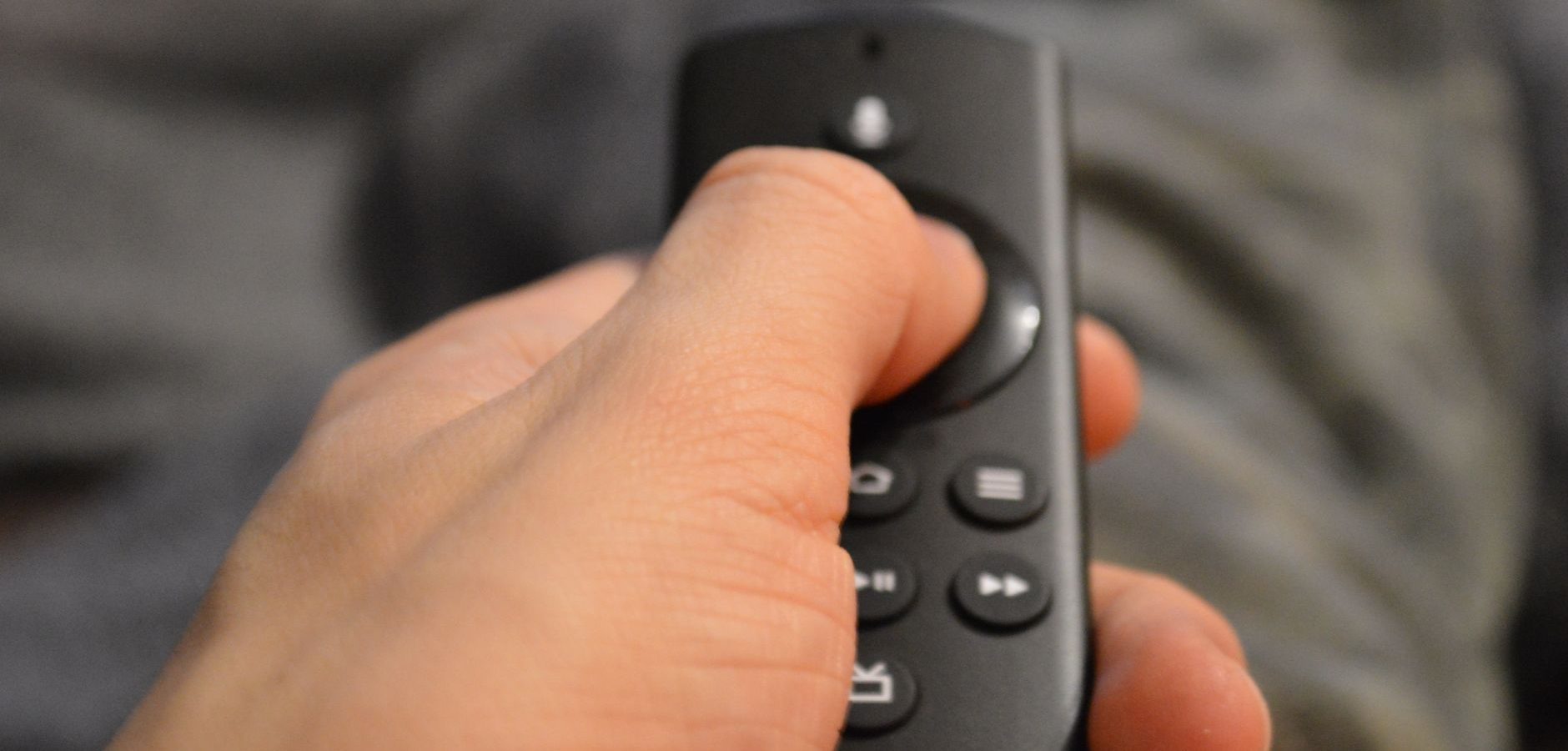
How to Fix Your Fire TV Remote Volume Button Quickly
Are you struggling with a non-responsive volume button on your Fire TV remote? You’re not alone. Many users have experienced this issue, which can be frustrating when you’re trying to enjoy your favorite shows. In this guide, we’ll explore practical solutions to fix the Fire TV remote volume button and enhance your streaming experience.
Understanding the Fire TV Remote
The Fire TV remote is an essential tool for navigating your Fire TV. It provides easy access to various features, including volume control, which is crucial for an optimum viewing experience. However, like any device, the remote can occasionally malfunction, particularly the volume button.
Common Causes of Volume Button Issues
Several factors can cause the volume button on your Fire TV remote to stop working. These include:
- Battery issues
- Software glitches
- Physical damage
Understanding these causes is the first step in troubleshooting.
Check Your Remote’s Batteries
The simplest solution often involves replacing the batteries. Weak or dead batteries are a common cause of remote issues. Try the following steps:
- Remove the battery cover from the back of your remote.
- Replace the old batteries with new, high-quality ones.
- Ensure the batteries are inserted correctly.
If the volume button still doesn’t work, move on to the next solution.
Re-Pair Your Fire TV Remote
Sometimes, the remote can lose its connection to the Fire TV device. Re-pairing it can often solve the problem:
- Hold the Home button on your remote for about 10 seconds.
- Wait for the on-screen confirmation that the remote has been paired.
This process should restore the functionality of the volume button.
Update Your Fire TV Software
Outdated software can lead to various issues, including remote malfunctions. Ensure your Fire TV software is up to date:
- Go to Settings on your Fire TV.
- Select My Fire TV and then About.
- Choose Check for Updates and install any available updates.
According to PCMag, keeping your devices updated is crucial for optimal performance.
Inspect for Physical Damage
If none of the above solutions work, it’s time to check for any physical damage to the remote. Look for any cracks or signs of wear and tear that might be affecting the volume button’s functionality.
Consider a Replacement Remote
If you’ve tried all the troubleshooting steps and the volume button still doesn’t work, it might be time to consider getting a replacement remote. This can save you from further frustration and ensure you continue to enjoy your streaming experience seamlessly.
Thinking of upgrading your setup? Check out our guide on buying a Fire TV Stick 4K Plus for enhanced features.
Enhance Your Fire TV Experience
Once your remote is functioning properly, explore ways to enhance your streaming experience. You might want to consider integrating Google TV with your Fire TV setup, as discussed in our article on adding Google TV to your Fire TV setup.
Additionally, discover the best ways to watch live study rooms on Fire TV Stick to make the most of your device.
Frequently Asked Questions
What should I do if my Fire TV remote volume button is still not working?
If your volume button is still unresponsive after trying these solutions, consider purchasing a new remote or contacting Amazon support for further assistance.
Can I use my smartphone as a Fire TV remote?
Yes, you can download the Amazon Fire TV app on your smartphone, which allows you to control your Fire TV, including volume adjustments.
How can I reset my Fire TV remote?
To reset your Fire TV remote, hold the Home button for 10 seconds. This re-pairs the remote with your device.
Is there a warranty for Fire TV remotes?
Fire TV remotes typically come with a one-year limited warranty. Check your purchase details or contact Amazon for more information.
Can software updates fix remote issues?
Yes, software updates can resolve remote issues by addressing bugs or glitches that affect remote functionality.
Conclusion
Fixing the volume button on your Fire TV remote doesn’t have to be a daunting task. By following the steps outlined in this guide, you can quickly resolve the issue and get back to enjoying your favorite content. If you’re looking for more ways to optimize your streaming setup, explore our Complete IPTV Guide for more tips and insights.
Frequently Asked Questions
What should I do if my Fire TV remote volume button is still not working?
If your volume button is still unresponsive after trying these solutions, consider purchasing a new remote or contacting Amazon support for further assistance.
Can I use my smartphone as a Fire TV remote?
Yes, you can download the Amazon Fire TV app on your smartphone, which allows you to control your Fire TV, including volume adjustments.
How can I reset my Fire TV remote?
To reset your Fire TV remote, hold the Home button for 10 seconds. This re-pairs the remote with your device.
Is there a warranty for Fire TV remotes?
Fire TV remotes typically come with a one-year limited warranty. Check your purchase details or contact Amazon for more information.
Can software updates fix remote issues?
Yes, software updates can resolve remote issues by addressing bugs or glitches that affect remote functionality.