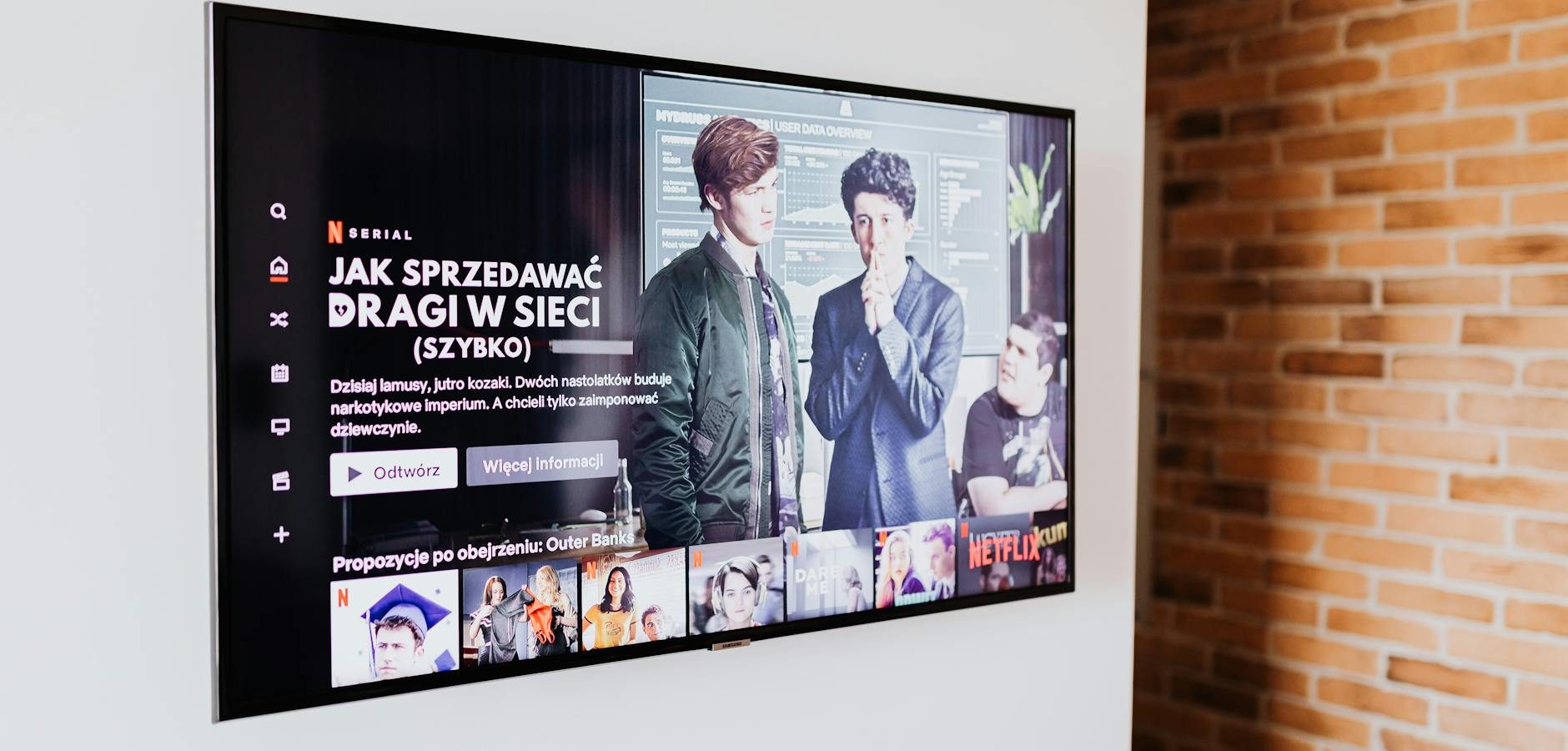
Introduction: Evaluating Google TV and Fire TV
If you already own a Fire TV, you might be wondering whether investing in a Google TV streamer is worthwhile. While both platforms offer robust streaming capabilities, they have unique features that cater to different user preferences. This article will help you decide if adding a Google TV to your setup is the right choice for your home entertainment needs.
Comparing Features: Fire TV vs. Google TV
Interface and Usability
One of the most significant differences between Fire TV and Google TV is their user interface. Fire TV offers a straightforward interface with a focus on Amazon’s ecosystem, making it ideal for users who primarily use Amazon services. In comparison, Google TV provides a more personalized experience, integrating content from various streaming services.
App Availability
Both platforms support a wide range of apps, but there are some differences. Fire TV has extensive support for Amazon apps, including Prime Video and Kindle. Google TV, powered by Android, offers broader app support, which can be beneficial if you need specific apps not available on Fire TV.
Performance and Technical Specifications
Streaming Quality
Both Fire TV and Google TV support 4K streaming, but the quality can vary based on your internet connection and the device model. If you’re using a Fire TV Stick 4K Plus, you’ll enjoy high-definition streaming with Dolby Vision support.
Hardware Capabilities
Fire TV devices generally come with a more robust remote control and voice assistant support, thanks to Alexa. On the other hand, Google TV’s remote integrates Google Assistant, offering seamless voice control and smart home integration.
Price and Value for Money
Initial Costs
Fire TV devices are often priced competitively, offering excellent value for money, especially during sales. Google TV devices might be slightly more expensive, but they could offer better value if you are heavily invested in Google’s ecosystem.
Long-term Investment
Consider the long-term benefits of each platform. If you are looking for a device with regular updates and broad app compatibility, Google TV might be a better investment. For those who prefer Amazon products and services, sticking with Fire TV could be more beneficial.
Practical Tips for Using Fire TV and Google TV Together
Setting Up Dual Systems
If you choose to use both systems, ensure your setup is organized. Use separate HDMI ports on your TV and label each one for easy switching. This setup allows you to enjoy the best of both ecosystems without hassle.
Optimizing Streaming Experience
For optimal performance, connect your devices to a high-speed internet connection. Regularly update the software on both devices to access the latest features and improvements. If you encounter issues, refer to troubleshooting guides to resolve common problems.
Frequently Asked Questions
Can I use Google TV and Fire TV simultaneously? Yes, you can use both devices by connecting them to different HDMI ports on your TV.
What are the main differences between Fire TV and Google TV? The primary differences lie in the user interface, app availability, and integration with their respective ecosystems.
Is Google TV more expensive than Fire TV? Generally, Google TV devices might be slightly more expensive, but they offer unique features that could justify the cost.
Which platform offers better app support? Google TV, powered by Android, typically offers broader app support compared to Fire TV.
Are there any compatibility issues between the two platforms? There are no significant compatibility issues, but each platform has unique features that might not be available on the other.
Conclusion: Making the Right Choice
Ultimately, whether you should add a Google TV to your existing Fire TV setup depends on your personal preferences and streaming needs. If you prioritize Amazon’s ecosystem, Fire TV alone might suffice. However, if you desire a more integrated streaming experience with broader app support, Google TV could be a valuable addition. Consider your current setup, desired features, and budget before making a decision. For more information on maximizing your streaming experience, check out our guide on mastering Android TV streaming.
Frequently Asked Questions
Can I use Google TV and Fire TV simultaneously?
Yes, you can use both devices by connecting them to different HDMI ports on your TV.
What are the main differences between Fire TV and Google TV?
The primary differences lie in the user interface, app availability, and integration with their respective ecosystems.
Is Google TV more expensive than Fire TV?
Generally, Google TV devices might be slightly more expensive, but they offer unique features that could justify the cost.
Which platform offers better app support?
Google TV, powered by Android, typically offers broader app support compared to Fire TV.
Are there any compatibility issues between the two platforms?
There are no significant compatibility issues, but each platform has unique features that might not be available on the other.