Top Android TV Apps for Enhancing Plex Experience
If you’re a fan of Plex and want to make the most of your Android TV, you’re in the right place. Android TV has revolutionized how we consume content, offering a seamless platform for streaming services like Plex. In this guide, we’ll explore the best Android TV companion apps to enhance your Plex experience.
Understanding Android TV and Plex
Android TV is Google’s smart TV platform, designed to bring the internet and streaming services into your living room. With its user-friendly interface, Android TV integrates perfectly with Plex, a popular media server that allows you to stream your personal media collection across devices.
Why Choose Android TV?
Android TV offers a wide range of applications and supports 4K streaming, making it an excellent choice for those who want a comprehensive streaming experience. Its compatibility with Google Assistant and Chromecast further enhances its functionality.
The Role of Plex
Plex organizes your media, giving you access to your movies, music, and photos from any device. It also offers live TV and DVR capabilities, making it a versatile choice for cord-cutters.
Essential Android TV Apps for Plex Users
To get the most out of Plex on your Android TV, consider installing these complementary apps:
1. VLC Media Player
VLC is a powerful media player that supports a wide range of file formats. It’s perfect for playing media files that Plex might struggle with. Plus, it’s free and open-source.
2. MX Player
Another excellent media player, MX Player offers advanced hardware acceleration and subtitle support. It’s particularly useful for users who require custom subtitle tracks.
3. TiviMate
If you’re interested in IPTV, TiviMate is a great option for Android TV. It provides a user-friendly interface for managing live TV channels, complementing Plex’s DVR capabilities.
Enhancing Connectivity and Streaming Quality
Improving your internet connection and streaming quality can significantly enhance your Plex experience on Android TV. Here are some tips:
Optimizing Network Settings
Ensure your Android TV is connected to a high-speed internet connection. Use a wired Ethernet connection for the best performance, or if using Wi-Fi, ensure your router supports 5GHz bands.
Using a VPN
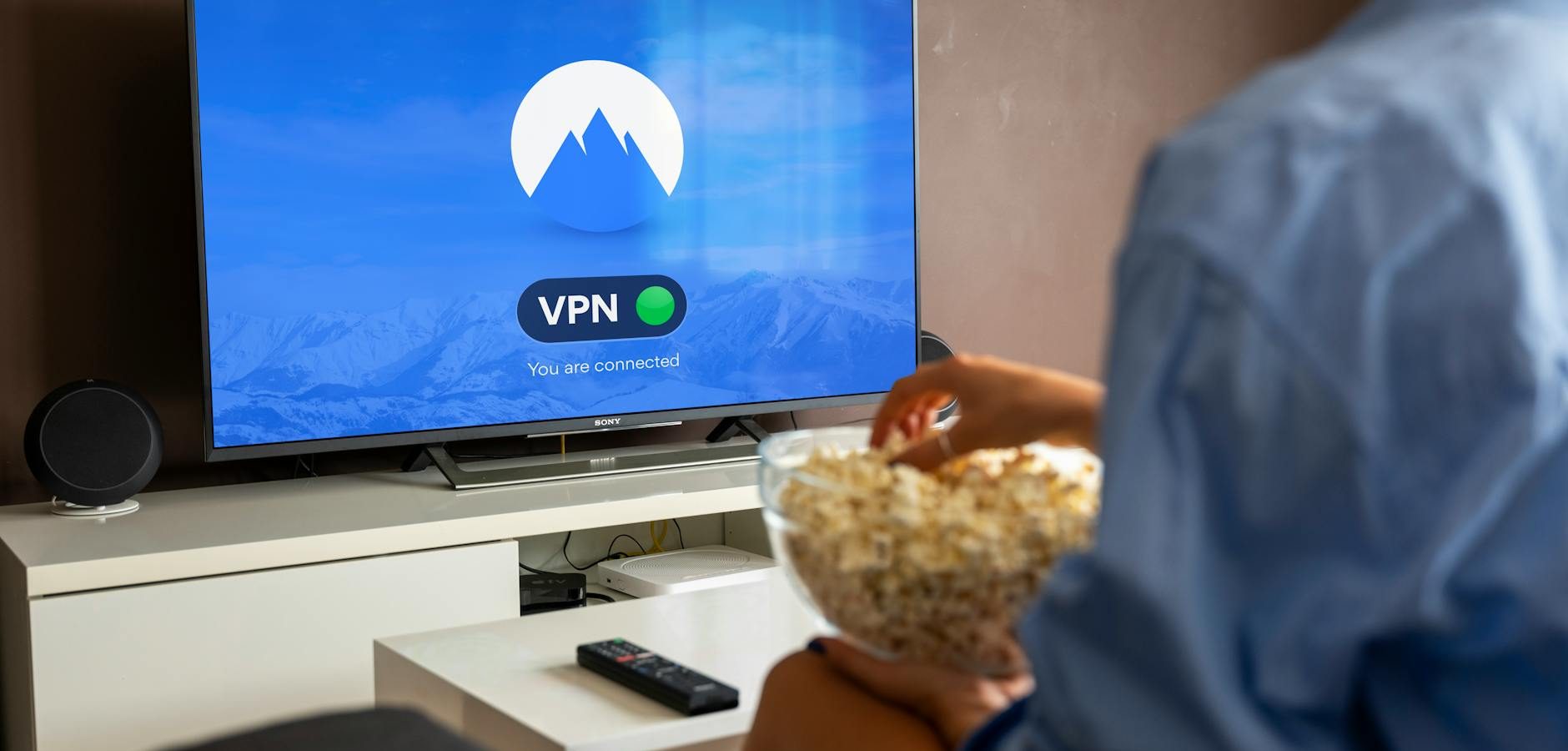
A VPN can help bypass geo-restrictions and protect your privacy while streaming. According to TechRadar, choosing a reputable VPN service is crucial for maintaining speed and security.
Customizing Your Android TV Experience
Personalizing your Android TV interface can make navigation easier and more enjoyable. Here’s how:
Setting Up User Profiles
Plex allows you to create multiple user profiles, so each family member can have a personalized viewing experience.
Using Google Assistant
Take advantage of Google Assistant to control your Android TV with voice commands. It’s a convenient way to search for content or adjust settings without using the remote.
Exploring Additional Features
Plex offers several features that can enhance your viewing experience, including:
Live TV and DVR
With a compatible tuner and antenna, Plex can stream and record live TV. This feature is perfect for catching your favorite shows without a cable subscription.
Mobile Sync
Plex’s mobile sync feature allows you to download media for offline viewing. This is particularly useful for traveling or areas with limited internet access.
Frequently Asked Questions
- What is the best Android TV app for Plex? VLC Media Player and MX Player are highly recommended for their format support and functionality.
- Can I use Plex on any Android TV? Yes, Plex is compatible with all Android TV models and can be downloaded from the Google Play Store.
- How can I improve Plex streaming quality? Use a wired Ethernet connection, optimize your network settings, and consider using a VPN for improved performance.
- Is a VPN necessary for Plex on Android TV? While not essential, a VPN can enhance security and access to content by bypassing geo-restrictions.
- Are there free alternatives to Plex? Yes, there are alternatives like Kodi, but Plex is often preferred for its user-friendly interface and robust feature set.
Conclusion
Optimizing your Android TV with the right companion apps can significantly enhance your Plex experience. From improving streaming quality to customizing your interface, these tips and tools ensure you get the most out of your media library. Start exploring these apps today and transform your viewing experience. For more insights on Android TV, visit Android Authority.
Frequently Asked Questions
What is the best Android TV app for Plex?
VLC Media Player and MX Player are highly recommended for their format support and functionality.
Can I use Plex on any Android TV?
Yes, Plex is compatible with all Android TV models and can be downloaded from the Google Play Store.
How can I improve Plex streaming quality?
Use a wired Ethernet connection, optimize your network settings, and consider using a VPN for improved performance.
Is a VPN necessary for Plex on Android TV?
While not essential, a VPN can enhance security and access to content by bypassing geo-restrictions.
Are there free alternatives to Plex?
Yes, there are alternatives like Kodi, but Plex is often preferred for its user-friendly interface and robust feature set.