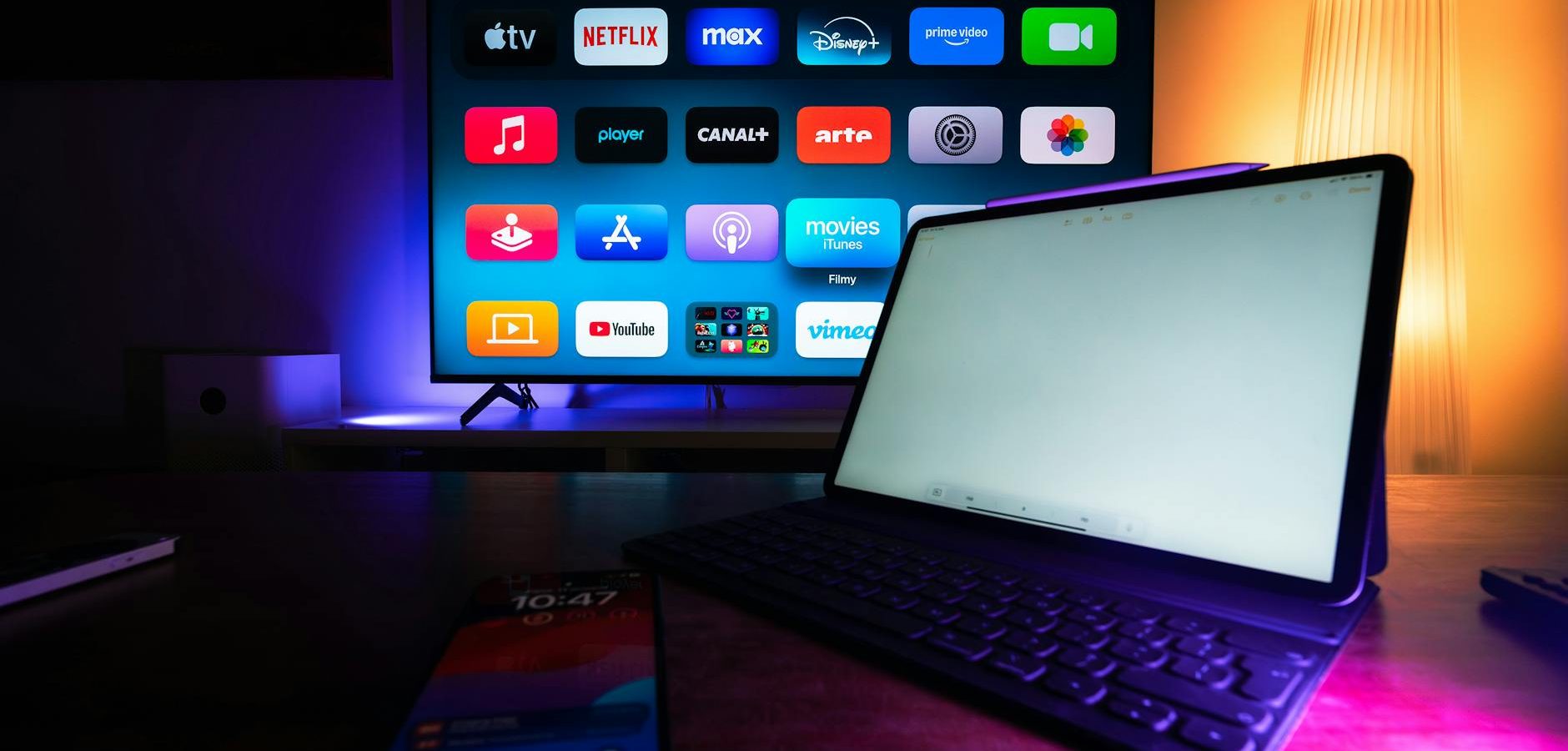
Why Consider Purchasing a Streaming Device?
In today’s digital age, streaming has become the preferred method for consuming media content. A streaming device can significantly enhance your viewing experience by providing access to various platforms and a seamless user interface. But is it the right choice for you? Let’s dive deeper into understanding the benefits and considerations.
The Rise of Streaming Services
Streaming services have revolutionized the way we consume media. With options like Netflix, Hulu, and Disney+, viewers have more choices than ever. According to PCMag, these platforms offer a vast library of content, catering to all tastes and preferences.
Enhancing Your Viewing Experience
Streaming devices provide a centralized hub for your entertainment needs. They offer advantages like higher resolution video, faster load times, and access to exclusive content. If you’re tired of traditional cable, this might be a game-changer.
Popular Streaming Devices to Consider
When it comes to choosing a streaming device, the market offers numerous options. Here are some popular choices that might fit your needs.
Roku Devices
Roku is a leader in the streaming device market, known for its user-friendly interface and wide range of channels. It’s a great choice for beginners and seasoned users alike.
Amazon Fire TV Stick
The Amazon Fire TV Stick offers a seamless integration with Alexa, providing voice control capabilities. If you’re an Amazon Prime member, this might be the perfect fit. For more options, explore our article on Fire Stick alternatives.
Choosing the Right Streaming Device
With so many options available, how do you choose the right streaming device? Here are some factors to consider.
Compatibility
Ensure that the device you choose is compatible with your TV and other equipment. Most devices connect via HDMI, but it’s always good to double-check.
Content Availability
Consider the streaming services you already subscribe to and ensure the device supports them. For instance, some devices may not support lesser-known services.
Price and Value
Streaming devices come in various price ranges. Decide on a budget and compare features to find the best value. According to CNET, price doesn’t always equate to quality, so choose wisely.
Setting Up Your Streaming Device
Setting up your streaming device is typically a straightforward process. Follow these steps to get started.
- Connect the device to your TV via HDMI.
- Power on the device and follow the on-screen instructions.
- Connect to your Wi-Fi network.
- Log in to your streaming services and enjoy!
Frequently Asked Questions
- What streaming device works best with Netflix? Most devices support Netflix, but Roku and Apple TV are particularly popular choices.
- Is a 4K streaming device necessary? If you own a 4K TV, a 4K streaming device will provide better picture quality.
- Can I use a streaming device without a smart TV? Yes, streaming devices are designed to work with standard TVs as long as they have an HDMI port.
- Do streaming devices have monthly fees? The device itself doesn’t have fees, but the services you subscribe to will.
- What is the difference between a streaming device and a smart TV? A streaming device is an external unit that connects to your TV, while a smart TV has built-in streaming capabilities.
Conclusion: Take the Next Step Towards Enhanced Streaming
Purchasing a streaming device can significantly enhance your entertainment experience by offering more flexibility and access to a plethora of content. Evaluate your needs, research your options, and make an informed decision. Ready to transform your viewing habits? Check out our Complete IPTV Guide for more insights. Don’t forget to explore our comparison of Dish Anywhere vs YouTube TV to see which service suits you best.
Frequently Asked Questions
What streaming device works best with Netflix?
Most devices support Netflix, but Roku and Apple TV are particularly popular choices.
Is a 4K streaming device necessary?
If you own a 4K TV, a 4K streaming device will provide better picture quality.
Can I use a streaming device without a smart TV?
Yes, streaming devices are designed to work with standard TVs as long as they have an HDMI port.
Do streaming devices have monthly fees?
The device itself doesn’t have fees, but the services you subscribe to will.
What is the difference between a streaming device and a smart TV?
A streaming device is an external unit that connects to your TV, while a smart TV has built-in streaming capabilities.