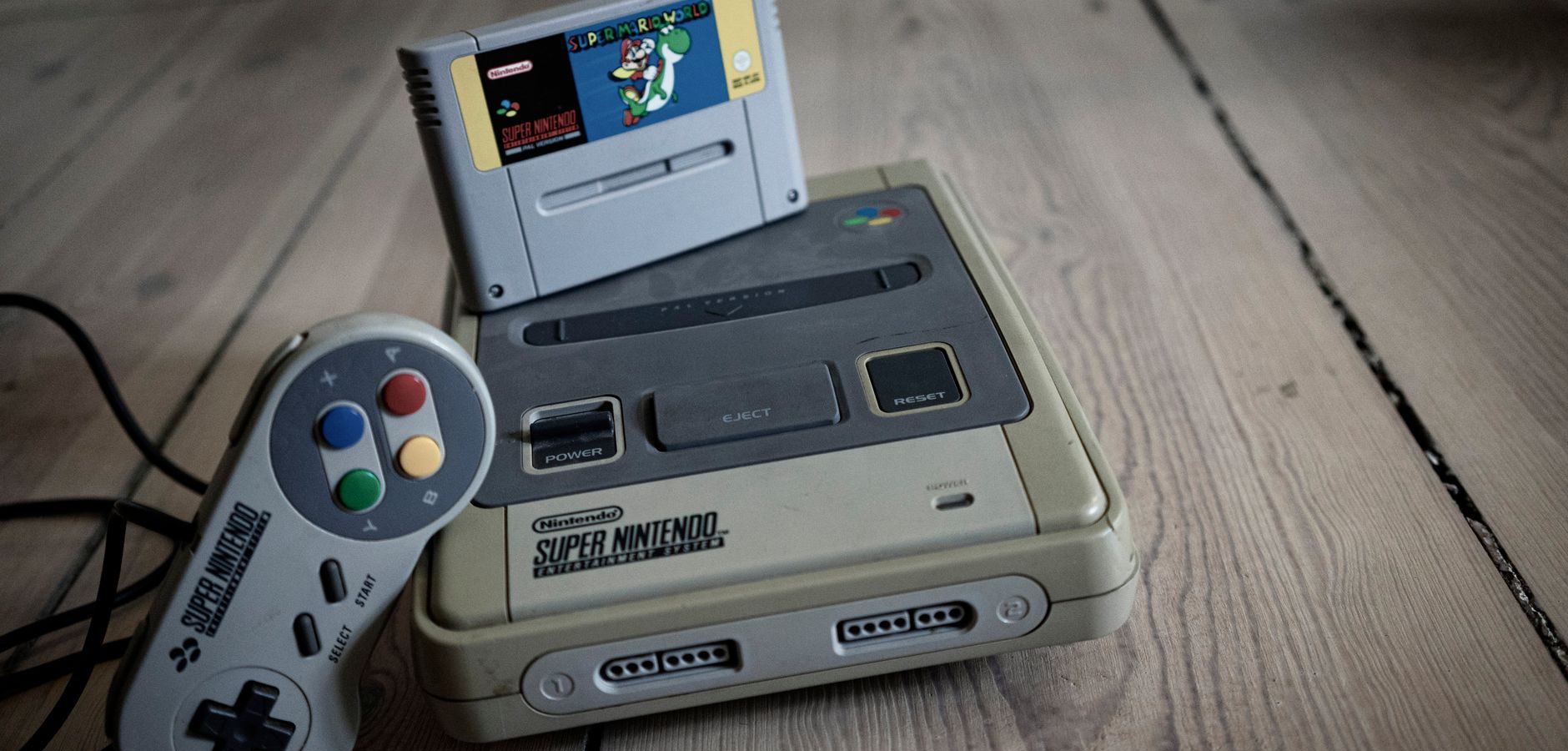
Introduction to Retro Gaming with an Android Box
The allure of retro gaming has captivated many enthusiasts, and with the advent of the android box, bringing those nostalgic experiences to life has never been easier. Whether you’re reliving childhood memories or discovering classic games for the first time, an Android box can transform your entertainment setup. In this guide, we delve into how an Android box can revolutionize your retro gaming and streaming experience.
Understanding the Android Box
Before diving into the world of retro gaming, it’s essential to understand what an android box is. Essentially, an Android box is a streaming device powered by the Android operating system. It allows users to access a wide range of applications, including streaming services, games, and IPTV channels.
Features of an Android Box
An Android box offers numerous features that make it a versatile tool for entertainment. These include access to Google Play Store apps, support for 4K streaming, and compatibility with various input devices like gamepads and keyboards.
Why Choose an Android Box for Retro Gaming?
The Android box stands out for retro gaming due to its affordability, ease of use, and extensive library of emulators and games available on platforms like the Google Play Store and other legitimate sources.
Setting Up Your Android Box for Retro Gaming
Setting up your Android box for retro gaming is a straightforward process. Follow these steps to get started:
- Connect the Android Box: Use an HDMI cable to connect your Android box to your TV.
- Power On and Connect to Wi-Fi: Once connected, power on the device and follow the on-screen instructions to connect to your Wi-Fi network.
- Install Emulators: Download retro gaming emulators from the Google Play Store. Popular choices include RetroArch and ClassicBoy.
- Load ROMs: Legally acquire ROMs for the games you wish to play and load them onto your Android box.
For a detailed guide on enhancing your streaming experience, check out our new OS revolutionizes Android box experience.
Maximizing Your Streaming Experience
Beyond retro gaming, an Android box offers an array of streaming possibilities. Here are some tips to make the most out of your device:
Choosing the Right Streaming Services
Selecting the right streaming services is crucial for a seamless experience. Options like Netflix, Hulu, and Disney+ are compatible with most Android boxes. Always ensure you use legitimate services to avoid legal issues.
Optimizing Performance
To optimize your Android box’s performance, keep the software updated and manage storage efficiently. Uninstall unnecessary apps and clear cache regularly.
Exploring the Xiaomi Android Box
If you’re considering purchasing an Android box, the Xiaomi Android Box is a popular choice. Known for its user-friendly interface and robust performance, it’s an excellent option for both retro gaming and streaming.
Discover more about this device in our ultimate streaming guide.
Unlocking the Potential of Your Android Box
To fully utilize your Android box, consider exploring custom firmware options and advanced settings. This can enhance performance and tailor the device to your specific needs.
Learn how to optimize your device in different regions with our guide on unlocking the potential of your Android box in the UK.
Frequently Asked Questions
What is an Android box used for?
An Android box is used for streaming content, playing games, and accessing apps available on the Android platform.
How do I install apps on an Android box?
Apps can be installed on an Android box via the Google Play Store or by sideloading APK files from trusted sources.
Can I use an Android box for IPTV?
Yes, an Android box can be used for IPTV by installing compatible IPTV apps from the Google Play Store.
Is retro gaming legal on an Android box?
Retro gaming is legal if you own the original games and acquire ROMs from legitimate sources.
What’s the best Android box for streaming in 2026?
For the best Android box options, read our guide on which Android box is best for streaming in 2026.
Conclusion: Get Started with Your Android Box Today
An Android box can transform your entertainment experience, offering endless possibilities from retro gaming to cutting-edge streaming. By following the tips in this guide, you can unlock the full potential of your device. Start your journey today and explore the vast world of Android box entertainment.
For more information on IPTV services and setups, visit our complete IPTV guide.
Frequently Asked Questions
What is an Android box used for?
An Android box is used for streaming content, playing games, and accessing apps available on the Android platform.
How do I install apps on an Android box?
Apps can be installed on an Android box via the Google Play Store or by sideloading APK files from trusted sources.
Can I use an Android box for IPTV?
Yes, an Android box can be used for IPTV by installing compatible IPTV apps from the Google Play Store.
Is retro gaming legal on an Android box?
Retro gaming is legal if you own the original games and acquire ROMs from legitimate sources.
What’s the best Android box for streaming in 2026?
For the best Android box options, read our guide on which Android box is best for streaming in 2026.