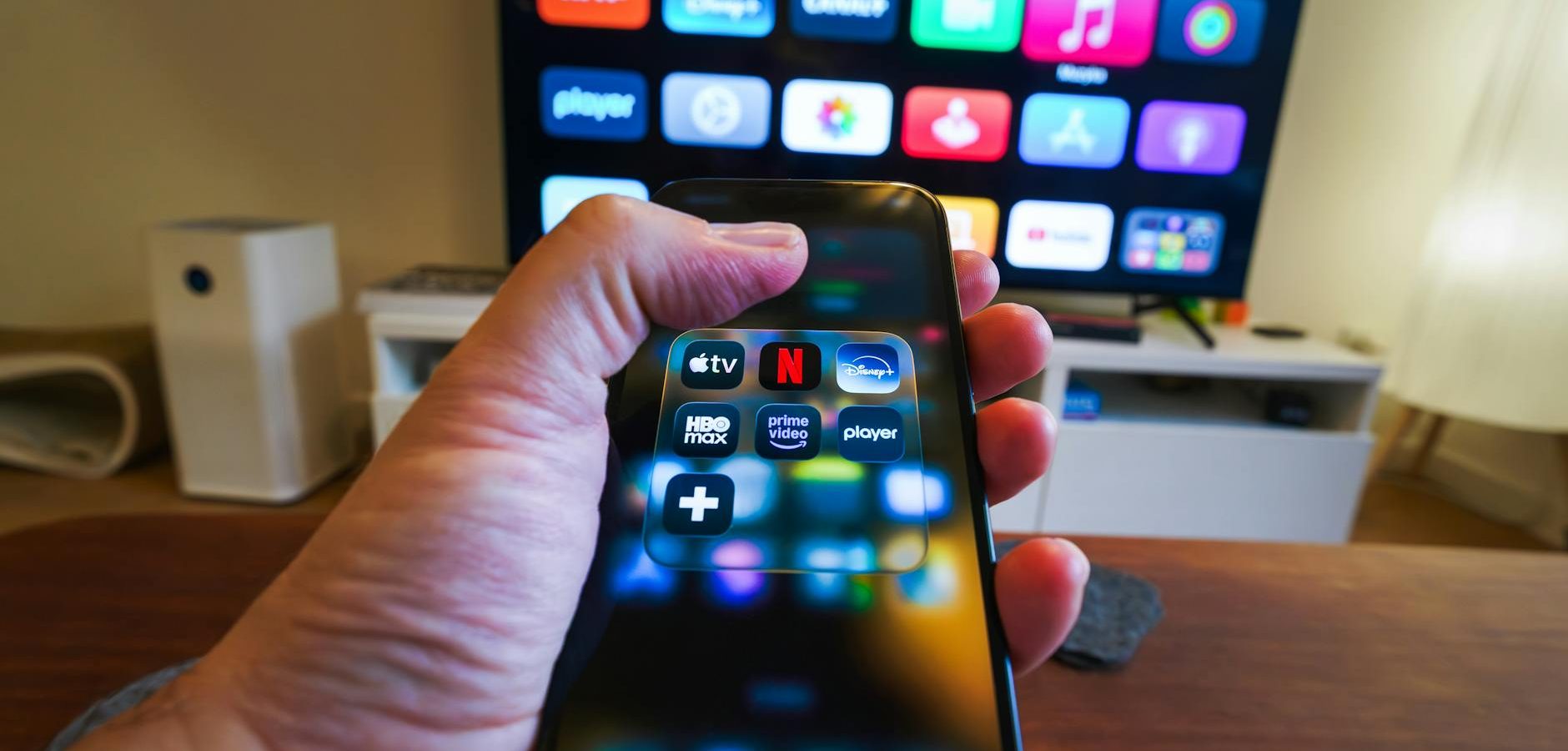
Introduction to Apple TV and Universal Remote Control
If you’re looking to streamline your home entertainment system, mastering your Apple TV is a great place to start. With its powerful features and intuitive design, Apple TV offers a seamless streaming experience. But did you know you can enhance it further by using a universal remote? In this guide, we’ll explore everything you need to know about optimizing your Apple TV setup.
Understanding Apple TV Capabilities
Streaming Services on Apple TV
Apple TV supports a wide array of streaming services, from popular platforms like Netflix and Hulu to specialized options such as Apple TV+ and Disney+. This versatility allows you to access a myriad of content easily. For more in-depth information about IPTV options, check our Complete IPTV Guide 2026: Everything You Need to Know.
Apps and Games
Beyond streaming, Apple TV offers a variety of apps and games available on the tvOS App Store. Whether you’re interested in fitness apps or immersive games, there’s something for everyone. Learn how to optimize app performance with our guide on Apple TV IPTV Setup: Best Apps for tvOS in 2026.
Setting Up Your Universal Remote with Apple TV
Compatibility and Setup
To begin using a universal remote with your Apple TV, ensure it’s compatible. Most modern universal remotes can be programmed to work with Apple TV using infrared (IR) or Bluetooth. Follow these steps for a basic setup:
- Check if your remote supports IR or Bluetooth.
- Go to Settings > Remotes and Devices on your Apple TV.
- Select ‘Learn Remote’ and follow the on-screen instructions.
Advanced Programming Tips
For a more personalized experience, consider programming specific buttons on your universal remote for quick access to frequently used functions. This can include shortcuts to your favorite streaming services or volume control.
Enhancing Your Streaming Experience
Open Source Launchers
For those looking to further customize their interface, consider using an open source launcher. These tools allow for a unique, personalized setup that can transform your streaming experience. Discover more in our article on Open Source Apple TV Launcher: Transform Your Streaming Experience.
Optimizing Performance
Regularly updating your Apple TV and clearing cache can improve performance. Also, ensure your internet connection is strong for uninterrupted streaming.
Apple TV and Smart Home Integration
Using Apple HomeKit
Apple TV can serve as a hub for Apple HomeKit, allowing you to control smart home devices through your TV. This integration makes managing your smart home convenient and centralized.
Voice Control with Siri
Utilize Siri for hands-free control of your Apple TV. You can ask Siri to play specific shows, adjust volume, or even control smart home devices.
Frequently Asked Questions
Can I use any universal remote with Apple TV?
Most modern universal remotes are compatible with Apple TV, especially those that support IR or Bluetooth connectivity.
How do I reset my Apple TV remote?
To reset your Apple TV remote, remove the batteries, wait a few seconds, and then reinsert them. For Siri Remotes, hold Menu and Volume Up for six seconds.
What is the best universal remote for Apple TV?
Popular options include Logitech Harmony remotes, which are known for their extensive compatibility and ease of use.
Can I control my Apple TV with my iPhone?
Yes, you can use the Apple TV Remote app on your iPhone for convenient control of your Apple TV.
Is it possible to play games on Apple TV?
Yes, Apple TV offers a variety of games available on the tvOS App Store, providing entertainment for all ages.
Conclusion: Enhance Your Apple TV Experience Today
Integrating a universal remote with your Apple TV can significantly enhance your viewing experience, providing greater control and convenience. Whether you’re setting it up for the first time or optimizing existing functionality, these tips will help you get the most out of your Apple TV. Ready to elevate your streaming setup? Check out our guide on Discover the Most Powerful IPTV Player Ever Created for more ideas. Embrace the future of home entertainment today!
Frequently Asked Questions
Can I use any universal remote with Apple TV?
Most modern universal remotes are compatible with Apple TV, especially those that support IR or Bluetooth connectivity.
How do I reset my Apple TV remote?
To reset your Apple TV remote, remove the batteries, wait a few seconds, and then reinsert them. For Siri Remotes, hold Menu and Volume Up for six seconds.
What is the best universal remote for Apple TV?
Popular options include Logitech Harmony remotes, which are known for their extensive compatibility and ease of use.
Can I control my Apple TV with my iPhone?
Yes, you can use the Apple TV Remote app on your iPhone for convenient control of your Apple TV.
Is it possible to play games on Apple TV?
Yes, Apple TV offers a variety of games available on the tvOS App Store, providing entertainment for all ages.