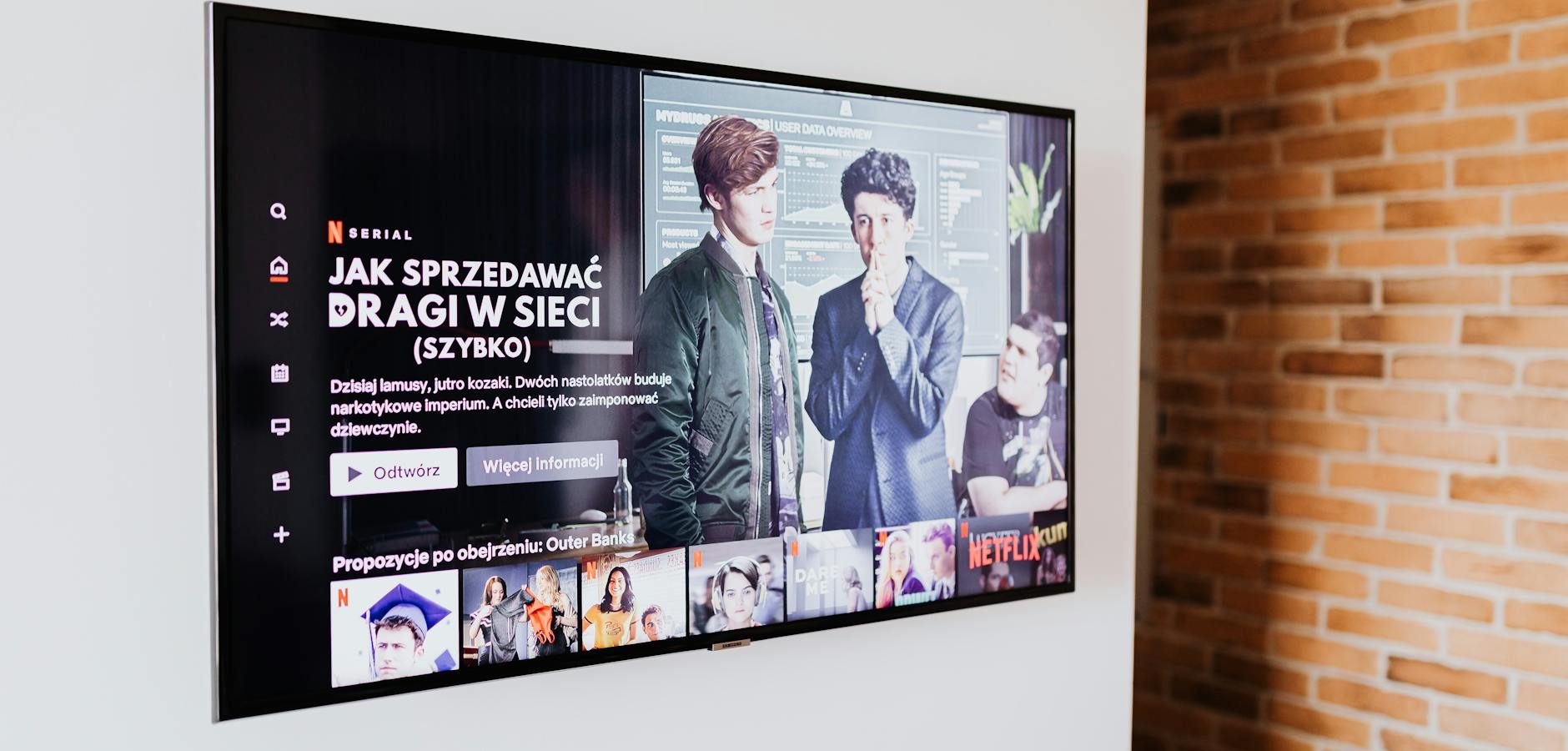
Introduction to MakoMiniPlayer for Android TV
In the expansive world of streaming, finding the right video player for Android TV can be daunting. Enter MakoMiniPlayer, a free and lightweight video player designed specifically for Android TV with full subtitle support. This user-friendly app is set to revolutionize your viewing experience, making it easier than ever to enjoy your favorite content with ease and clarity.
Why Choose MakoMiniPlayer for Your Android TV?
Lightweight and Efficient
MakoMiniPlayer stands out for its lightweight design, ensuring it doesn’t weigh down your Android TV system. It’s perfect for users looking to streamline their streaming experience without sacrificing quality. This efficiency is particularly beneficial for those using older Android TV models, where performance can be limited.
Full Subtitle Support
One of the standout features of MakoMiniPlayer is its comprehensive subtitle support. Whether you’re streaming international films or need subtitles for clarity, this app has you covered. Its intuitive interface allows you to easily load and customize subtitles, enhancing your viewing experience.
Getting Started with MakoMiniPlayer on Android TV
Installation Guide
- Open the Google Play Store on your Android TV.
- Search for “MakoMiniPlayer”.
- Select the app and click on “Install”.
- Once installed, open the app and start exploring.
Setting Up Subtitles
To enable subtitles on MakoMiniPlayer, simply navigate to the subtitle settings within the app. You can upload subtitle files or use the built-in subtitle search feature. Adjust font size, color, and positioning to suit your preferences.
Enhancing Your Streaming Experience
Compatibility with Android TV Boxes
MakoMiniPlayer is compatible with a wide range of Android TV boxes. For those looking for the best options, you might consider reading our Top Android TV Boxes UK May 2026 guide.
Seamless Integration with Other Apps
The app integrates smoothly with other popular Android TV apps, ensuring a seamless transition between your favorite programs and MakoMiniPlayer.
Comparing MakoMiniPlayer with Other Video Players
Performance and Features
When comparing MakoMiniPlayer to other video players, its performance and feature set make it a top contender. If you’re interested in exploring more about Android TV’s performance, check out our article on Google TV Streamer 4K vs Philips Android TV.
Customization Options
MakoMiniPlayer offers extensive customization options, allowing users to tailor their viewing experience. From subtitle settings to video playback controls, everything is designed to be intuitive and user-friendly.
Practical Tips for Using MakoMiniPlayer
Optimizing Video Playback
For optimal playback, ensure your Android TV is updated to the latest software version. This guarantees compatibility and the best streaming quality. Additionally, consider exploring our guide on Best Android TV Launchers for Consistent App Shortcuts.
Audio Control Tips
To enhance your audio experience, learn how to master AirPods volume control on Android TV. This can significantly improve your overall viewing experience.
Frequently Asked Questions
Here are some common questions about using MakoMiniPlayer on Android TV:
- What devices are compatible with MakoMiniPlayer? MakoMiniPlayer is compatible with all Android TV devices that support the Google Play Store.
- Can I customize subtitle appearance? Yes, you can adjust the font size, color, and positioning of subtitles within the app settings.
- Does MakoMiniPlayer support multiple audio tracks? Yes, the app supports multiple audio tracks, allowing you to switch between languages easily.
- Is MakoMiniPlayer free to use? Absolutely, MakoMiniPlayer is a free app with no hidden costs.
- How do I update MakoMiniPlayer? Updates are available via the Google Play Store. Ensure your device is set to auto-update for seamless upgrades.
Conclusion
MakoMiniPlayer is a game-changer for Android TV users, offering a lightweight, efficient, and highly customizable video player with full subtitle support. Whether you’re a casual viewer or a streaming enthusiast, this app is designed to enhance your viewing pleasure. Ready to transform your streaming experience? Download MakoMiniPlayer today and explore its impressive features. For more on IPTV and streaming, check out our Complete IPTV Guide 2026.
Frequently Asked Questions
What devices are compatible with MakoMiniPlayer?
MakoMiniPlayer is compatible with all Android TV devices that support the Google Play Store.
Can I customize subtitle appearance?
Yes, you can adjust the font size, color, and positioning of subtitles within the app settings.
Does MakoMiniPlayer support multiple audio tracks?
Yes, the app supports multiple audio tracks, allowing you to switch between languages easily.
Is MakoMiniPlayer free to use?
Absolutely, MakoMiniPlayer is a free app with no hidden costs.
How do I update MakoMiniPlayer?
Updates are available via the Google Play Store. Ensure your device is set to auto-update for seamless upgrades.