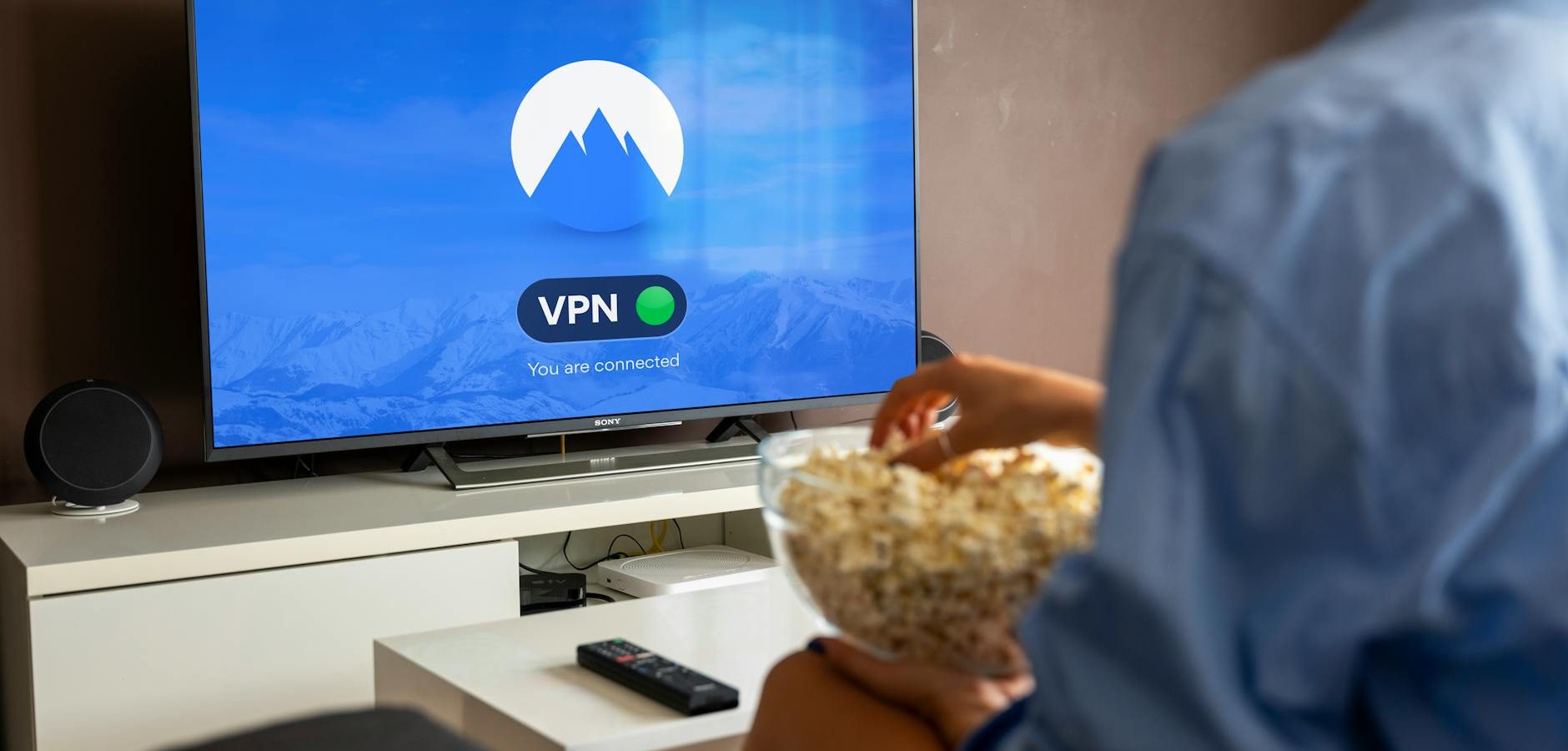
In the world of streaming, using an IPTV Android TV Box has become a popular choice for many households. With the right apps and setup, you can transform your TV viewing experience into something extraordinary. This guide will walk you through the best apps available and provide essential setup tips to make the most of your IPTV service.
Understanding IPTV on Android TV Box
Internet Protocol Television (IPTV) allows you to stream television content through the internet. When combined with an Android TV Box, it provides a flexible and cost-effective way to access a wide range of channels. According to TechRadar, IPTV is reshaping how we consume media, offering a vast array of channels from around the world.
Best IPTV Apps for Android TV Box
1. TiviMate
TiviMate is a popular choice among IPTV users due to its user-friendly interface and advanced playlist management. It supports multiple playlists and offers an electronic program guide (EPG) for easy navigation.
2. XC IPTV Player
Another strong contender is the XC IPTV Player. Known for its compatibility and ease of use, it’s an excellent option for those new to IPTV.
3. IPTV Smarters
IPTV Smarters is renowned for its versatility and is a great choice for those who want to customize their streaming experience. It supports parental controls and external players, enhancing its functionality.
Setting Up IPTV on Your Android TV Box
Step 1: Choose Your IPTV Provider
Start by selecting a reputable IPTV provider. Ensure they offer legal and legitimate services to avoid any potential issues. For a comprehensive overview, visit our Complete IPTV Guide 2026.
Step 2: Install Your Chosen IPTV App
Once you have an IPTV provider, download and install your preferred IPTV app from the Google Play Store on your Android TV Box. Ensure your device is connected to a stable internet connection for smooth streaming.
Step 3: Configure the App
After installation, launch the app and enter the details provided by your IPTV service. This usually includes a username, password, and a server URL or M3U playlist.
Advantages of Using IPTV on Android TV Box
Using an IPTV Android TV Box offers numerous benefits, such as access to a variety of channels, cost savings, and the ability to customize your viewing experience. According to CNET, IPTV services are growing rapidly, thanks to their flexibility and affordability.
Maximizing Your IPTV Experience
Optimize Your Internet Connection
To ensure high-quality streaming, make sure your internet connection is fast and stable. Consider using a wired connection for the best results.
Explore Additional Features
Many IPTV apps offer additional features like recording, pausing live TV, and catch-up TV. Explore these to enhance your streaming experience. For more on enhancing your setup, check out our Open Source Apple TV Launcher article.
Frequently Asked Questions
- What is the best IPTV app for Android TV Box? The best app depends on your needs. TiviMate and IPTV Smarters are popular choices.
- Is it legal to use IPTV on Android TV Box? Yes, as long as you use legitimate IPTV services and avoid pirated content.
- How do I install an IPTV app on my Android TV Box? Download the app from the Google Play Store and follow the setup instructions provided by your IPTV service.
- Can I use multiple IPTV apps on my Android TV Box? Yes, you can install and use multiple IPTV apps to explore different features and interfaces.
- Do I need a VPN for IPTV? A VPN can help protect your privacy but is not necessary for legal IPTV services.
Conclusion
Setting up an IPTV Android TV Box is a straightforward process that can significantly enhance your home entertainment experience. By choosing the right apps and following our setup tips, you’ll enjoy seamless access to a wide range of content. Ready to dive deeper? Explore our Formuler Z8 Review 2026 for more insights on the best devices available. Start your IPTV journey today and revolutionize your streaming experience!
Frequently Asked Questions
What is the best IPTV app for Android TV Box?
The best app depends on your needs. TiviMate and IPTV Smarters are popular choices.
Is it legal to use IPTV on Android TV Box?
Yes, as long as you use legitimate IPTV services and avoid pirated content.
How do I install an IPTV app on my Android TV Box?
Download the app from the Google Play Store and follow the setup instructions provided by your IPTV service.
Can I use multiple IPTV apps on my Android TV Box?
Yes, you can install and use multiple IPTV apps to explore different features and interfaces.
Do I need a VPN for IPTV?
A VPN can help protect your privacy but is not necessary for legal IPTV services.