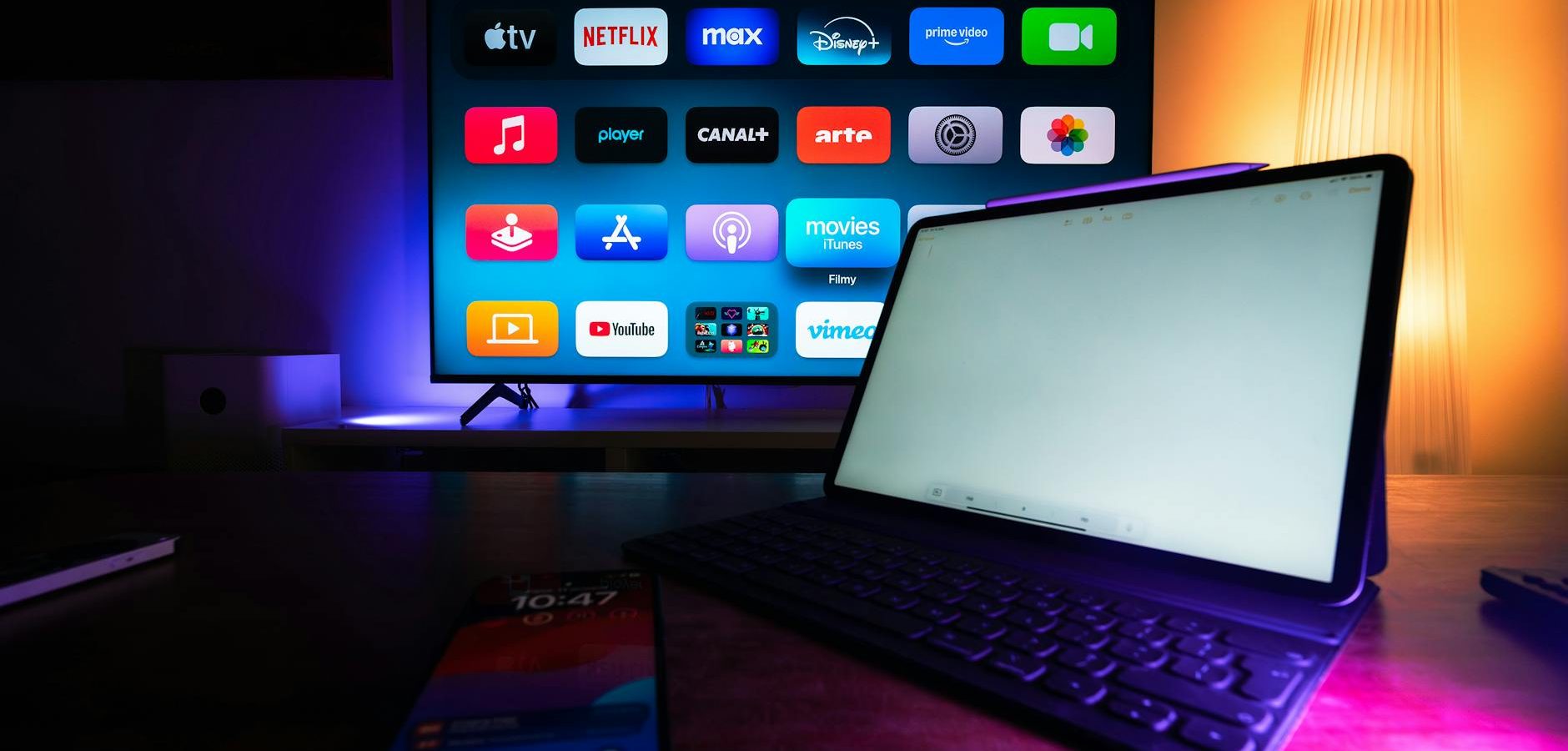
Introduction to Streaming Devices
In today’s digital age, streaming has become a cornerstone of entertainment, transforming how we consume media. The right streaming device can make this experience seamless and enjoyable. Whether you’re new to the world of streaming or looking to upgrade your setup, finding the easiest to use streaming device is crucial. In this guide, we’ll explore top picks and offer tips to enhance your streaming experience.
Top Streaming Devices for Ease of Use
Amazon Fire Stick
The Amazon Fire Stick is often praised for its user-friendly interface. Its plug-and-play design makes it accessible even for tech novices. With a simple remote and voice control via Alexa, navigating through your favorite apps is a breeze. For those just starting, our Fire Stick for Beginners guide offers comprehensive insights.
Roku Streaming Stick
Roku Streaming Stick is celebrated for its straightforward setup and intuitive interface. It offers a plethora of channels and a responsive remote, making it a top choice for users seeking simplicity. Additionally, its private listening feature via the Roku app adds a unique touch.
Xiaomi Android Box
The Xiaomi Android Box is another excellent option. Known for its versatility and ease of use, it provides access to Android TV’s extensive app ecosystem. With its powerful hardware, it ensures smooth streaming and quick loading times.
Choosing the Right Streaming Device
Consider Your Needs
When selecting a streaming device, consider what you value most—whether it’s ease of navigation, app availability, or special features like voice control. Each device has its strengths, so understanding your preferences will guide you to the best choice.
Compare Features
Comparing features is essential. Platforms like CNET offer in-depth reviews and comparisons that can help you weigh the pros and cons of each device. Look for factors like resolution support, connectivity options, and remote functionalities.
Setting Up Your Streaming Device
Step-by-Step Setup
Setting up your streaming device should be straightforward. Most devices come with easy-to-follow instructions. Generally, you’ll need to plug the device into your TV’s HDMI port, connect to Wi-Fi, and follow the on-screen prompts to complete the setup.
Optimizing Your Network
For optimal performance, ensure your network is equipped to handle streaming. Position your router centrally and consider upgrading to a higher bandwidth plan if multiple devices are using the connection simultaneously. According to Tom’s Guide, a strong network is crucial for smooth streaming.
Enhancing Your Streaming Experience
Utilize Voice Commands
Many devices now offer voice command features, making navigation easier than ever. With Amazon Alexa or Google Assistant, you can quickly search for shows, adjust volume, or even control smart home devices without lifting a finger.
Explore Additional Apps
Maximize your device’s potential by exploring additional apps available on platforms like Android TV or Roku. This can open up a world of content, from streaming services to niche channels that suit your interests.
Comparing Android Boxes for Streaming
Features to Look For
When comparing Android boxes, consider processing power, RAM, and storage capacity. These factors significantly impact performance. Our guide on Which Android Box is Best for Streaming in 2026 provides detailed comparisons to help you decide.
Popular Choices
Popular choices include NVIDIA Shield TV and Mi Box S, both known for their robust performance and user-friendly interfaces. These devices often come preloaded with useful apps and offer seamless integration with Google services.
Conclusion: Choose Your Ideal Streaming Device
Choosing the easiest to use streaming device depends on your personal preferences and needs. Whether you opt for a Fire Stick, Roku, or an Android box, each offers unique benefits that cater to different users. Ready to dive deeper? Explore our Complete IPTV Guide 2026 for more insights into enhancing your streaming setup. Start your streaming journey today and transform your viewing experience!
Frequently Asked Questions
Which is the easiest streaming device to set up?
The Amazon Fire Stick is often regarded as the easiest to set up, thanks to its plug-and-play design and intuitive interface.
Do all streaming devices support voice control?
Not all devices support voice control. However, many popular devices like the Amazon Fire Stick and Roku include this feature for added convenience.
Can I use a streaming device with any TV?
Most streaming devices are compatible with any TV that has an HDMI port. Ensure your TV supports the resolution output of the device for the best experience.
What internet speed is needed for streaming?
For smooth streaming, at least a 5 Mbps internet connection is recommended for HD quality. Higher speeds are needed for 4K streaming.
Are streaming devices portable?
Yes, many streaming devices like the Fire Stick and Roku Streaming Stick are small and portable, making them easy to use in different locations.