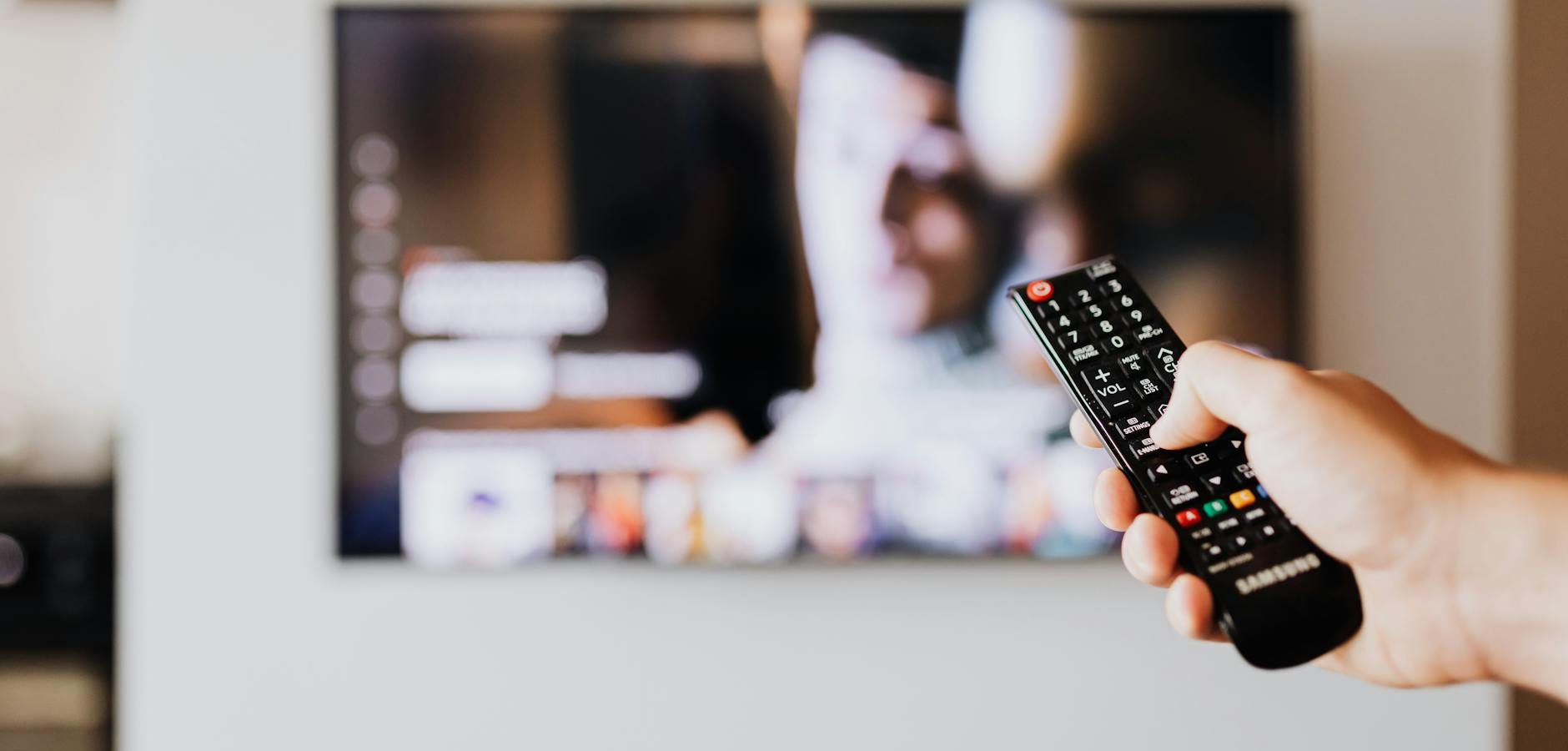
Discover the Power of the Android TV Remote Control App
In the world of streaming, the Android TV remote control app is a game-changer for those seeking convenience and control. With the rise of smart technology, managing your Android TV from your smartphone has never been easier. Whether you’re a tech-savvy individual or a casual viewer, this app is designed to enhance your streaming experience.
How to Set Up the Android TV Remote Control App
Download and Install the App
Start by downloading the Android TV remote control app from the Google Play Store. Simply search for the app, click ‘Install’, and wait for the download to complete. Ensure your smartphone and Android TV are connected to the same Wi-Fi network.
Pairing Your Device
Open the app and follow the on-screen instructions to pair your smartphone with your Android TV. Typically, you’ll need to select your TV from a list of nearby devices and confirm the pairing code displayed on your TV screen.
Features of the Android TV Remote Control App
Seamless Navigation
The app offers intuitive controls, allowing you to navigate through menus, search for content, and adjust settings effortlessly. The touchpad feature enables smooth scrolling and selection.
Voice Search Capability
One of the standout features is the voice search function. Simply tap the microphone icon and speak your command. Whether you’re searching for a specific movie or launching an app, voice control simplifies the process.
Keyboard Input
Typing on a TV remote can be cumbersome. The Android TV app solves this with a built-in keyboard, making it easy to enter text for searches and logins.
Benefits of Using the Android TV Remote Control App
Enhanced Convenience
The app eliminates the need for multiple remotes, offering a streamlined solution for controlling your TV and other connected devices. According to Android Authority, this integration is key for a seamless user experience.
Improved Accessibility
For individuals with mobility challenges, controlling the TV via a smartphone can be a significant advantage, providing greater accessibility and ease of use.
Security and Privacy Considerations
Understanding Permissions
When setting up the app, you’ll grant certain permissions. It’s important to understand these permissions to ensure your privacy is respected. The app typically requires access to your microphone and network settings for optimal functionality.
Keeping Your App Updated
Regular updates are crucial for maintaining security. Ensure you have automatic updates enabled or manually check for updates to keep your app secure and functional.
Alternatives to the Android TV Remote Control App
Third-Party Remote Apps
While the official Android TV app is highly recommended, there are third-party alternatives available. Apps like AnyMote and CetusPlay offer additional features and customization options. However, it’s important to download these from reputable sources to avoid security risks.
Universal Remote Controls
For those who prefer physical remotes, universal remote controls compatible with Android TV are available. These devices offer a tactile experience while maintaining broad functionality.
Frequently Asked Questions
- Can I use the Android TV remote control app on any smartphone?
Yes, the app is compatible with most Android and iOS devices, provided they meet the minimum operating system requirements.
- Do I need an internet connection to use the app?
Yes, both your smartphone and Android TV must be connected to the same Wi-Fi network for the app to function.
- Is the Android TV remote control app free?
Yes, the app is free to download and use, although some features may require in-app purchases.
- Can the app control other smart home devices?
While primarily designed for Android TV, the app can integrate with other Google smart home devices for broader functionality.
- What should I do if the app isn’t working?
Ensure both devices are on the same network, restart the app, and check for updates. If issues persist, consult the support section of the app.
Conclusion: Elevate Your Streaming Experience
The Android TV remote control app is an essential tool for anyone looking to streamline their home entertainment setup. By transforming your smartphone into a powerful remote, you gain unparalleled convenience and control. Start enhancing your viewing experience today by exploring this innovative app and enjoy seamless streaming at your fingertips.
Frequently Asked Questions
Can I use the Android TV remote control app on any smartphone?
Yes, the app is compatible with most Android and iOS devices, provided they meet the minimum operating system requirements.
Do I need an internet connection to use the app?
Yes, both your smartphone and Android TV must be connected to the same Wi-Fi network for the app to function.
Is the Android TV remote control app free?
Yes, the app is free to download and use, although some features may require in-app purchases.
Can the app control other smart home devices?
While primarily designed for Android TV, the app can integrate with other Google smart home devices for broader functionality.
What should I do if the app isn’t working?
Ensure both devices are on the same network, restart the app, and check for updates. If issues persist, consult the support section of the app.